List does not reset #13


Description

Summary
Filtering the time and then editing the amount of a record, will update everything. However, when clicking on the reset filters button, it doesn't reset the list.
Steps to Produce:
- Go to Sales tab:
- Click the "Filters" button
- Enter “10:00 AM” on the "From" field
- Enter to “10:00 AM” on the "To" field
- Click the "Edit" button on the record with a date of "2022/11/26", and amount with ₱690.00
- Edit the amount to ₱1000.00
- Click "Reset Filters"
Expected Results:
The expense record should be updated from the expense screen as well as in the expense database. The editing of records while filtered should still reflect on the unfiltered view.
Actual Results:
The chosen record was able to be edited and is updated on the list. It was also able to be updated in the expense database
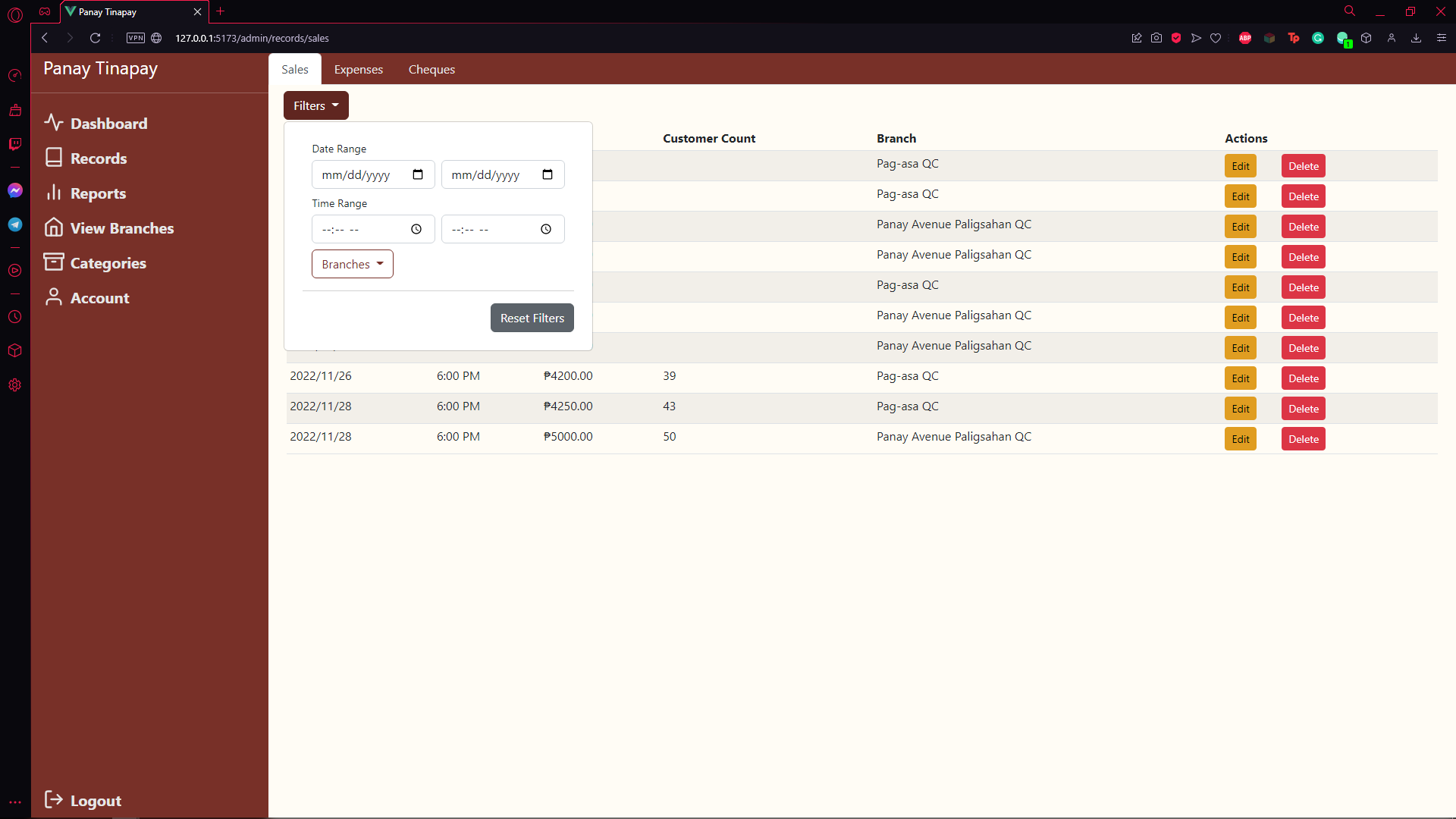
See 24-EditRecords Sheet, Iteration 4-14 & 4-17 for more details
Also see 25-DeleteRecords Sheet, Iteration 5-19 for more details