"Select Category" is being accepted as the category #17


Description

Summary
When adding a cheque expense, Clicking on the option "Select Category" would work and it worked. The "Select Category" option shouldn't be accepted.
Steps to Produce:
- Go to View Cheques Screen:
- Click on Add
- Input January 1, 2023 for the date, 1500 for the Amount, Pag-asa QC for the branch, Select Category for the category and Maynilad for the account
- Click Add Cheque
Expected Results:
There should be an input validation stating that the input fields are missing.
Actual Results:
There was no input validation.
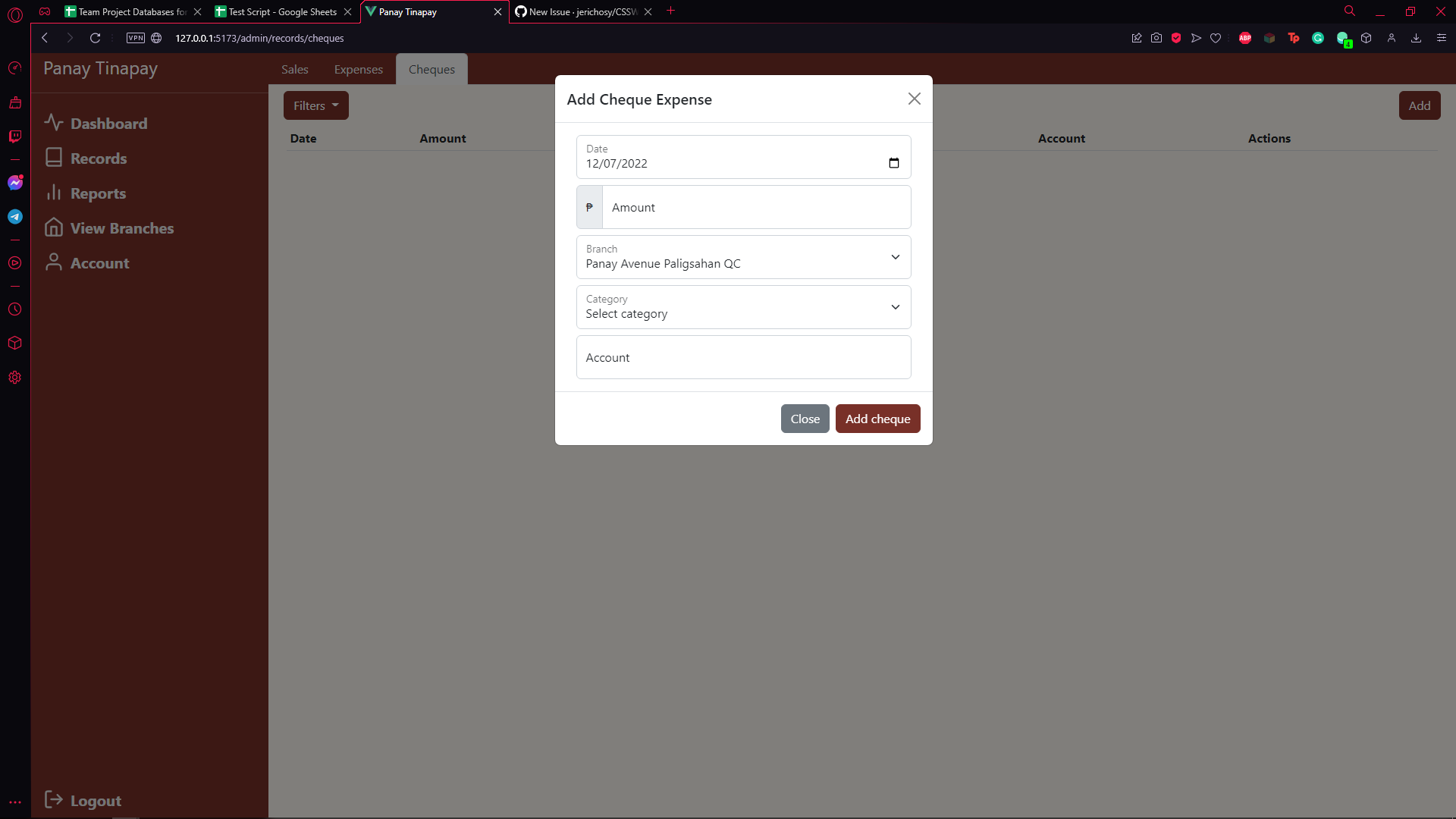
See 26-AddCheque Iteration 1-8 for more details