



This extension is a port of Atom File Icons for use in Google Chrome and Mozilla Firefox.
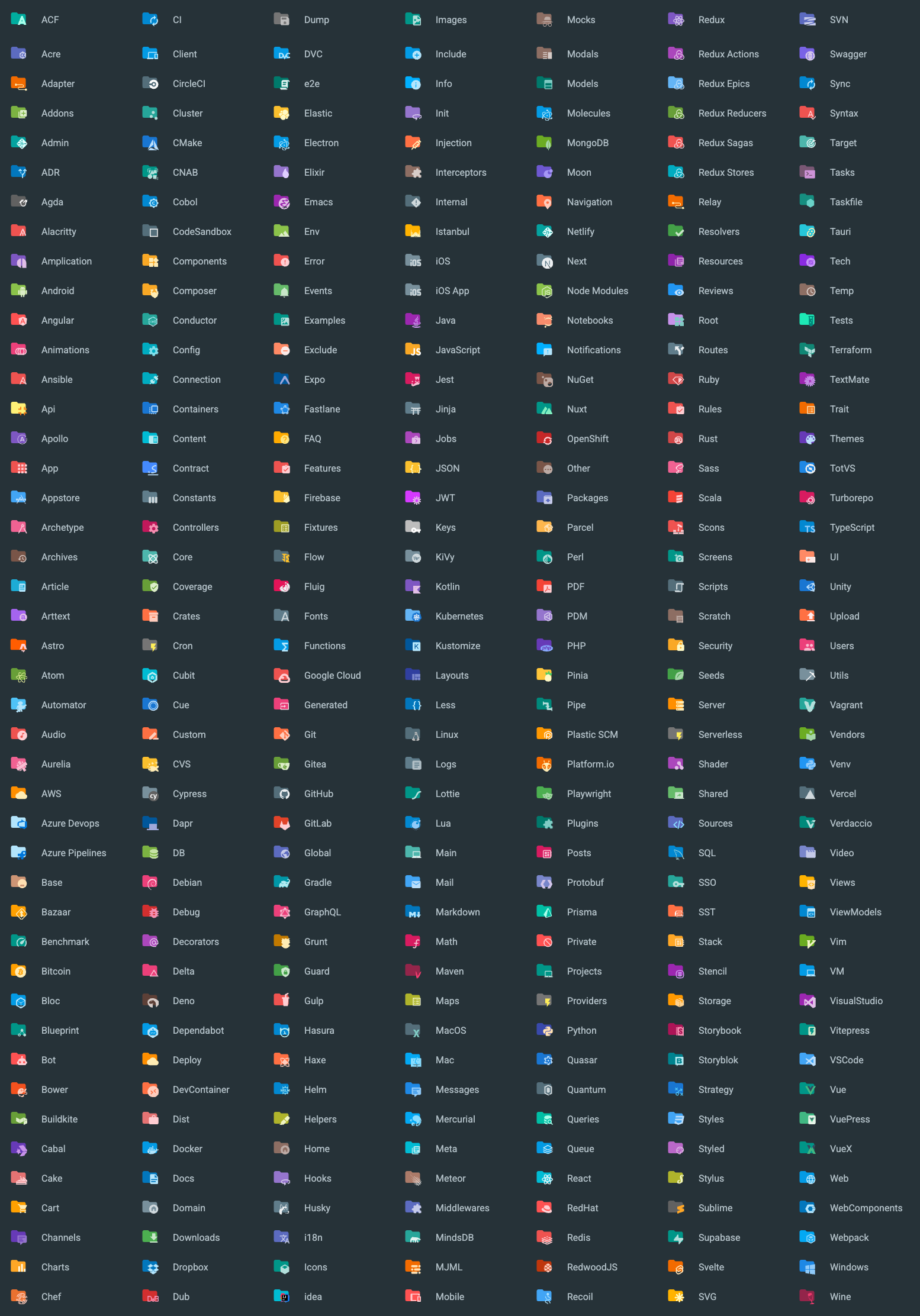
It replaces the standard file and folder icons with more suitable options related to file types, frameworks, or programming languages.
https://chrome.google.com/webstore/detail/atom-file-icons-web/pljfkbaipkidhmaljaaakibigbcmmpnc
https://addons.mozilla.org/en-US/firefox/addon/atom-file-icons-web/
This extension works on the following websites:
- Replaces file icons with their relevant logo icons
- According to their extension (Java, PHP, Ruby...)
- According to the framework (Android, NPM, RSpec...)
- According to the program used with (Babel, Docker, CircleCI...)
- Replaces directories:
- With a common pattern: src, main, app, img, docs...
- With a specific pattern: node_modules, .vscode, .git...
- Settings:
- Icon size: Change the icon size on the fly
- Monochrome: Use monochrome icons
- Folder Color: Change the color of regular folders
- Icon Packs: Enable specific icon packs
Icon Packs allow customization of icons based on common file patterns in selected frameworks like "controller", "service", "model", "view", etc.
Available icon packs:
- Angular
- NestJS
- NextJS
- NgRx
- Rails
- Redux
- Recoil
- Tests

The project is managed with Bun (see .bun-version). After cloning, install the dependencies:
bun installThe icons live in the iconGenerator repository, which is included here
as a git submodule at iconGenerator/. Initialize and build it with:
git submodule update --init --recursive
cd iconGenerator && npm install && npm run build
After running these commands, the iconGenerator folder will contain all the icons and the icon_associations.json
and folder_associations.json files, which describe the associations between file patterns and icons.
To rerun the generator:
npm run convertNext, you need to generate the index file that loads all icons as React components. This is done by a
small Bun script (scripts/prepare.ts).
npm run prepareThis process creates the index.ts file and places it in the public/icons/files and public/icons/folders directories.
The project uses Plasmo for building and running web extensions. Plasmo simplifies web extension development by supporting the latest web technologies like Webpack, TypeScript, React, Vite, etc.
To start the development server in watch mode and generate an extension stub:
npm run devLoad the dev extension in your browser from chrome://extensions (or similar) using the build/chrome-mv3-dev directory. The extension
will
support hot reload and other features.
| Command | Description |
|---|---|
bun run dev |
Start Plasmo in watch mode (bun run dev:firefox for Firefox MV2). |
bun run build |
Build the production extension (bun run build:firefox for Firefox MV2). |
bun run prepare |
Regenerate the icon index.ts barrels and copy assets into public/. |
bun run test |
Run the unit tests with bun test. |
bun run lint / bun run format / bun run check |
Lint, format, and check with Biome. |
Unit tests use the built-in Bun test runner and live alongside the code (e.g.
src/associations/*.test.ts). They cover the pure icon-association logic (pattern matching, caching, and icon-pack
filtering).
bun testSpecial thanks to: