

Version: 1.0.4
Release Date: July 27, 2026
Python: 3.7+
CustomTkinter: 5.1.0+
- Overview
- System Requirements
- Installation
- Usage
- API Reference
- Examples
- Troubleshooting
- Contributing
- Changelog
- Credits
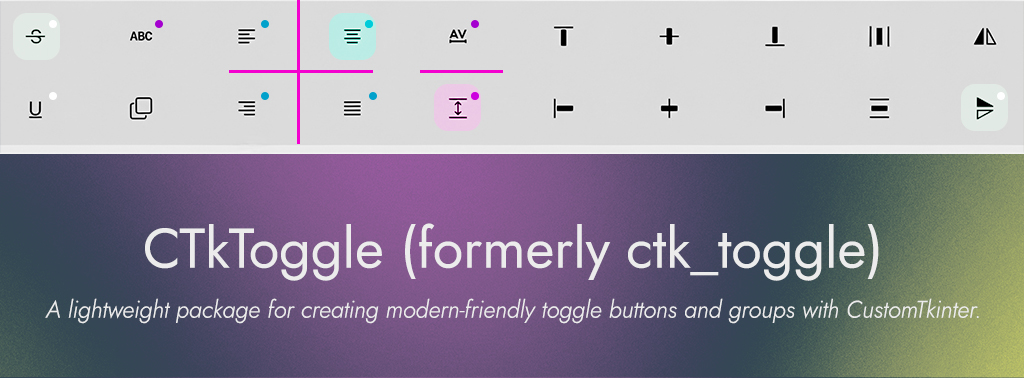
ctk_toggle adds toggle buttons and toggle groups to CustomTkinter. A CTkToggleButton extends the standard button with a persistent on/off state and a distinct toggled color. A CTkToggleGroup coordinates a set of buttons so that activating one deactivates the others, giving radio-style selection without leaving the CustomTkinter look and feel.
- Stateful toggle button - A
CTkButtonsubclass with a persistent boolean state and a toggled color - Coordinated groups - Single-active selection across a set of buttons
- Programmatic control - Read and set state, enable and disable, and query the active button in code
- Validated inputs - Constructor and setter arguments are type- and value-checked, raising
TypeErrororValueError - Drop-in styling - Accepts the full
CTkButtonkeyword set through**kwargs
- Python: 3.7 or later
- CustomTkinter: 5.1.0 or later
pip install ctk_toggleimport customtkinter as ctk
from ctk_toggle import CTkToggleButton, CTkToggleGroup
root = ctk.CTk()
group = CTkToggleGroup()
for label in ("Day", "Week", "Month"):
button = CTkToggleButton(root, text=label, toggle_group=group)
button.pack(padx=10, pady=5)
root.mainloop()Activating any button in the group deactivates the others. Without a group, each button toggles independently.
A customtkinter.CTkButton subclass with toggle behavior.
Constructor: CTkToggleButton(master=None, toggle_color="#c1e2c5", disable_color="lightgrey", toggle_group=None, **kwargs)
| Method | Description |
|---|---|
toggle(event=None) |
Flip the toggle state and update appearance |
set_toggle_state(state: bool) |
Set the state explicitly and refresh the color |
get_toggle_state() -> bool |
Return the current toggle state |
enable() |
Enable the button |
disable() |
Disable the button |
Coordinates single-active selection across a set of buttons.
Constructor: CTkToggleGroup(buttons=None, disable_color="lightgrey")
| Method | Description |
|---|---|
add_button(button) |
Add a button to the group |
remove_button(button) |
Remove a button from the group |
set_active_button(button) |
Activate one button and deactivate the rest |
deactivate_all() |
Deactivate every button in the group |
get_active_button() -> Optional[CTkToggleButton] |
Return the active button, or None |
Invalid arguments raise TypeError for wrong types and ValueError for invalid values.
Runnable examples are in the examples/ directory:
example1.pyexample2.pyexample3.py
Cause: buttons is not a list of CTkToggleButton instances
Solution: Pass a list of CTkToggleButton objects, or omit the argument and add buttons with add_button.
Cause: toggle_color or disable_color is not a string
Solution: Provide colors as strings, for example "#c1e2c5" or "lightgrey".
See CONTRIBUTING.md. Code follows the conventions in STYLE.md and OPTIMIZATION.md.
- Toggle button and toggle group widgets for CustomTkinter.
- Group-coordinated single-active selection.
- Programmatic state control with validated constructor and setter arguments.
Tchicdje Kouojip Joram Smith (DeltaGa)
Email: dev.github.tkjoramsmith@outlook.com
GitHub: https://github.com/DeltaGa
- CustomTkinter: The widget foundation this package builds on.
Released under the MIT License. See LICENSE for details.
© 2026 DeltaGa. All rights reserved.