Bring familiar tmux-style prefix commands to Vim and Neovim.
If you regularly use tmux, this plugin provides a similar workflow for navigating, splitting, resizing, and managing editor windows and tabs.
- Vim with popup-window support for the interactive resize mode and built-in window chooser
- Neovim 0.11 or later for the Lua-powered resize mode, message window, and built-in window chooser
Like tmux, vim-tmuxlike uses a prefix key. The default prefix is Ctrl-A.
Every command below starts with <prefix>.
-
h,j,k,lor the arrow keys: move to the window in that direction -
;: move to the previously selected window -
z: toggle zoom for the current window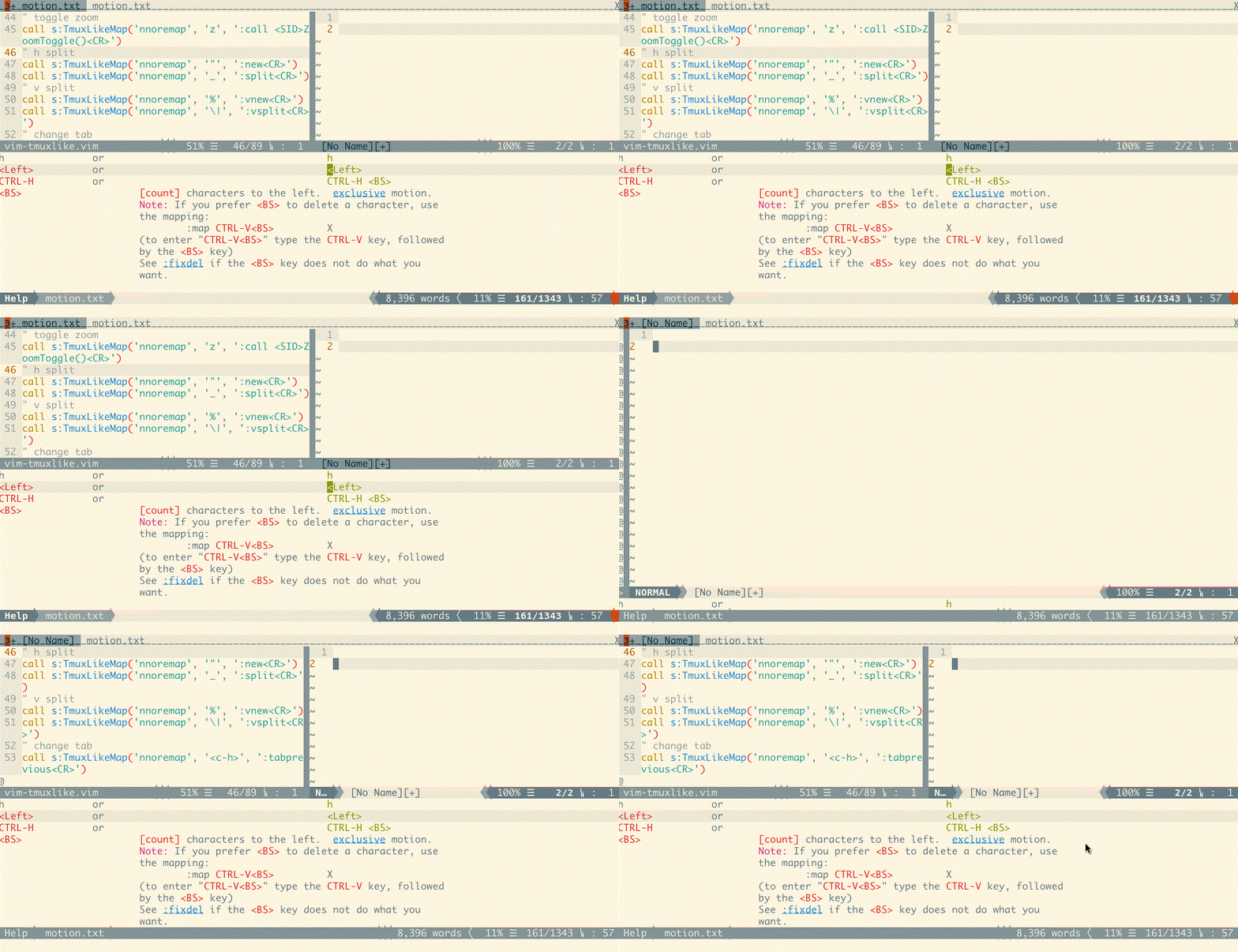
-
%: create a vertical split with a new buffer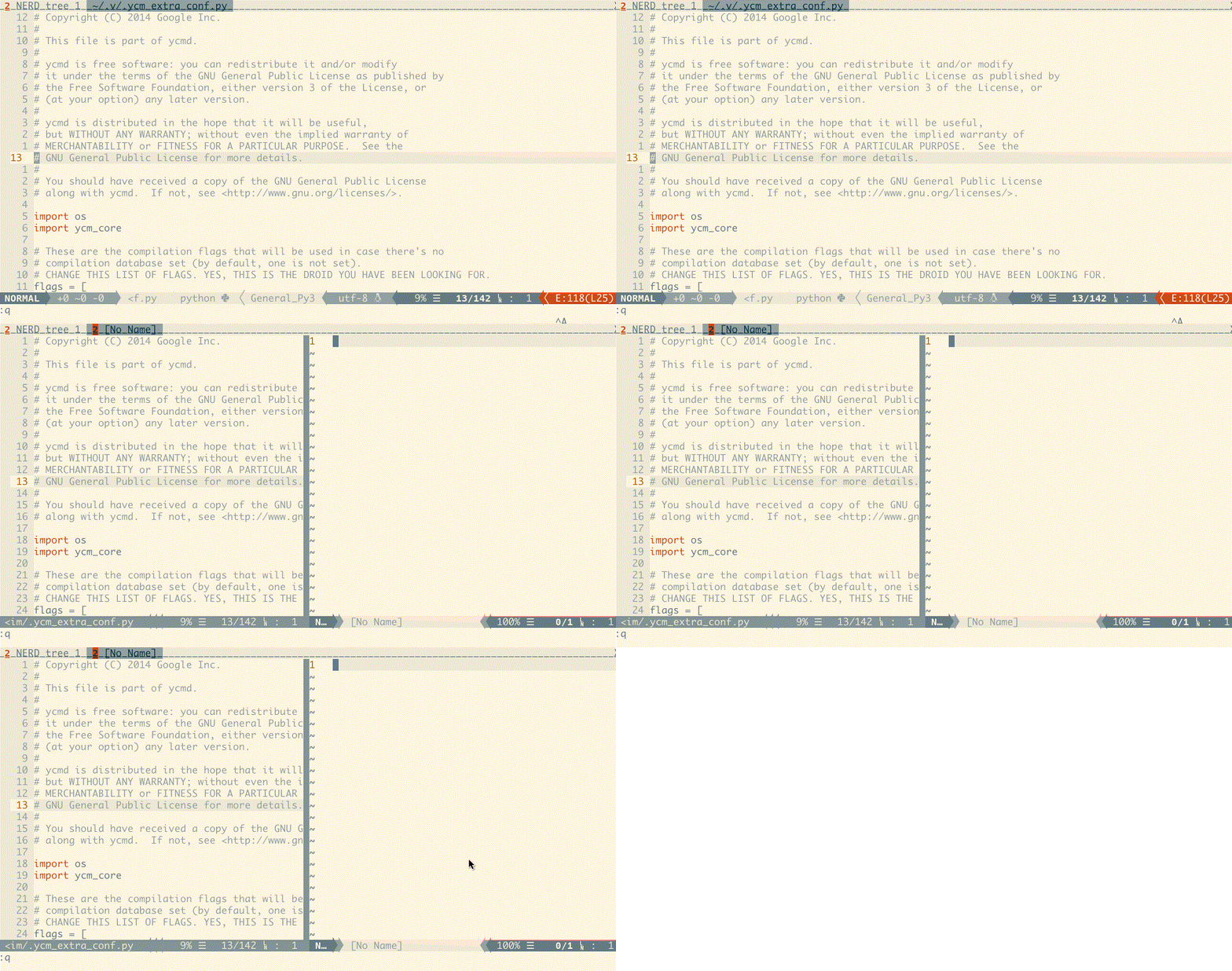
-
|: vertically split the current buffer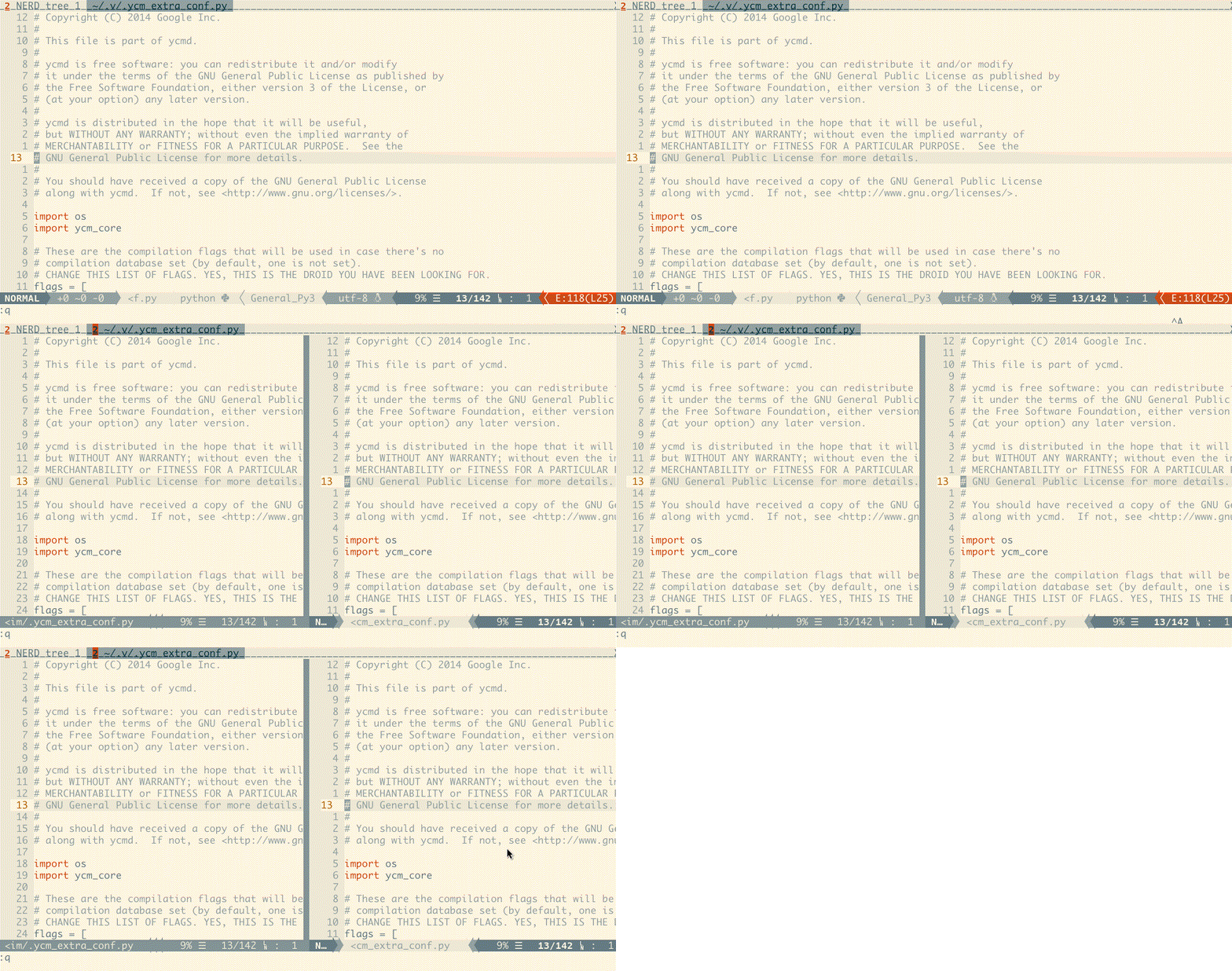
-
": create a horizontal split with a new buffer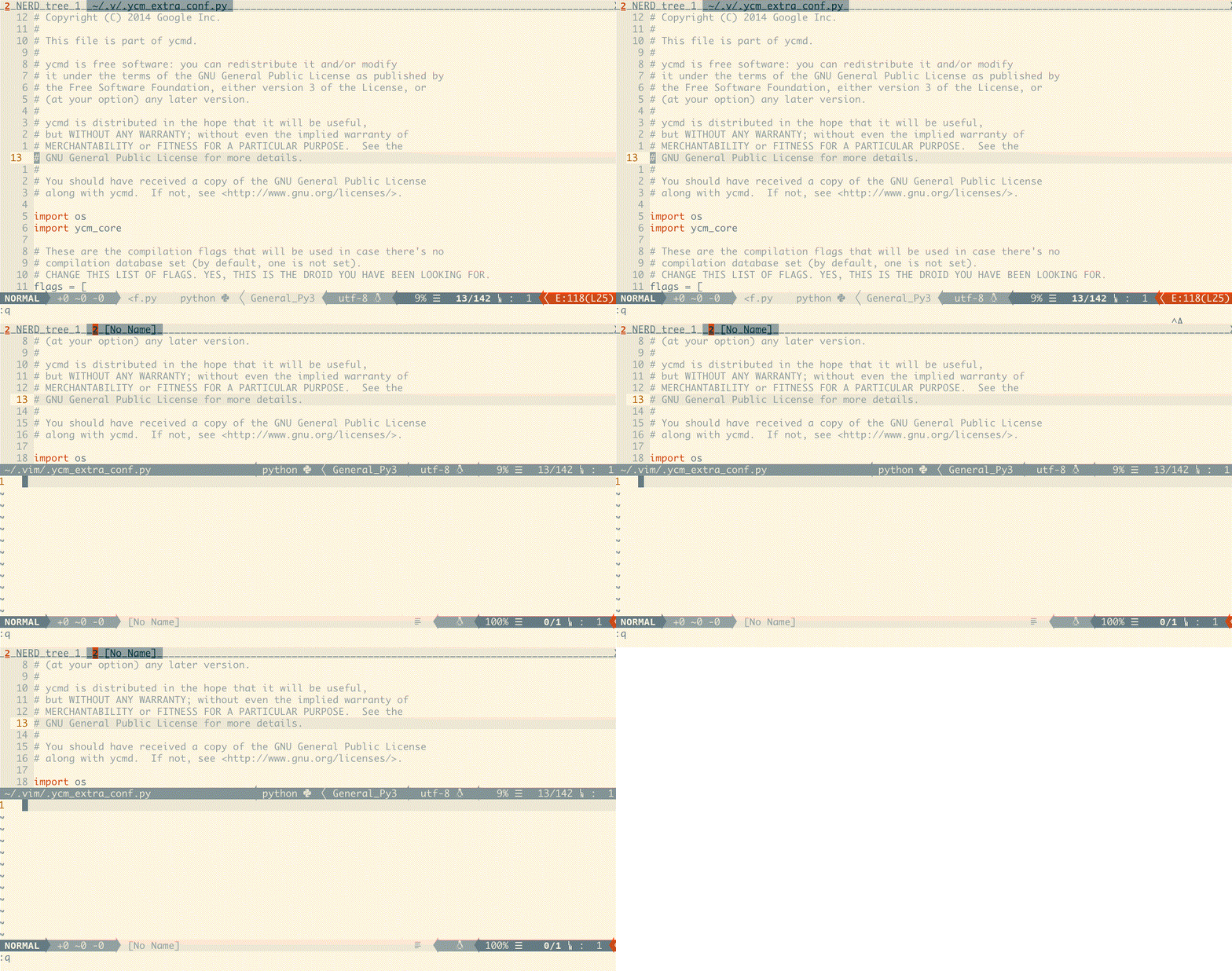
-
_: horizontally split the current buffer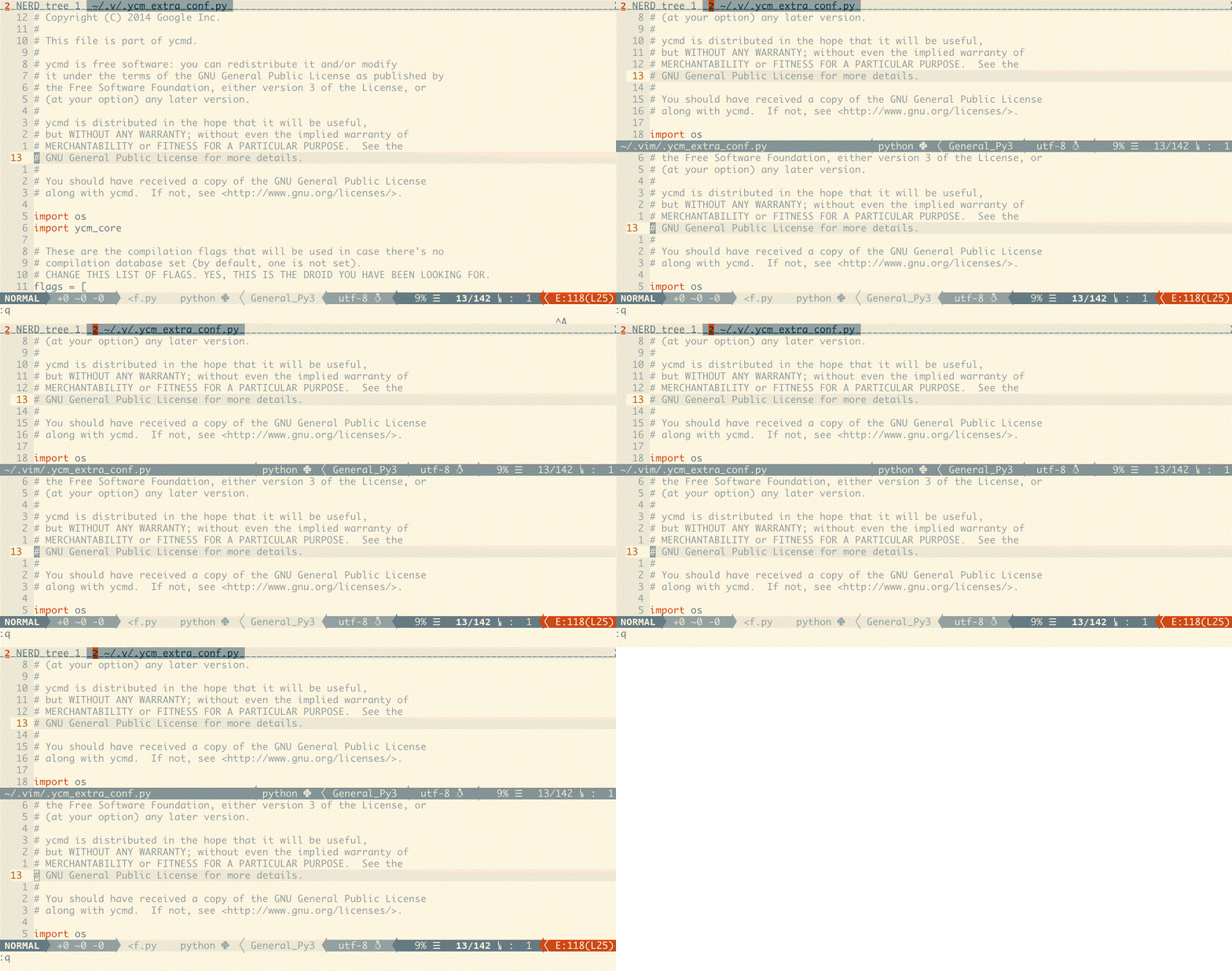
-
x: confirm and close the current window -
!: move the current file to a new tab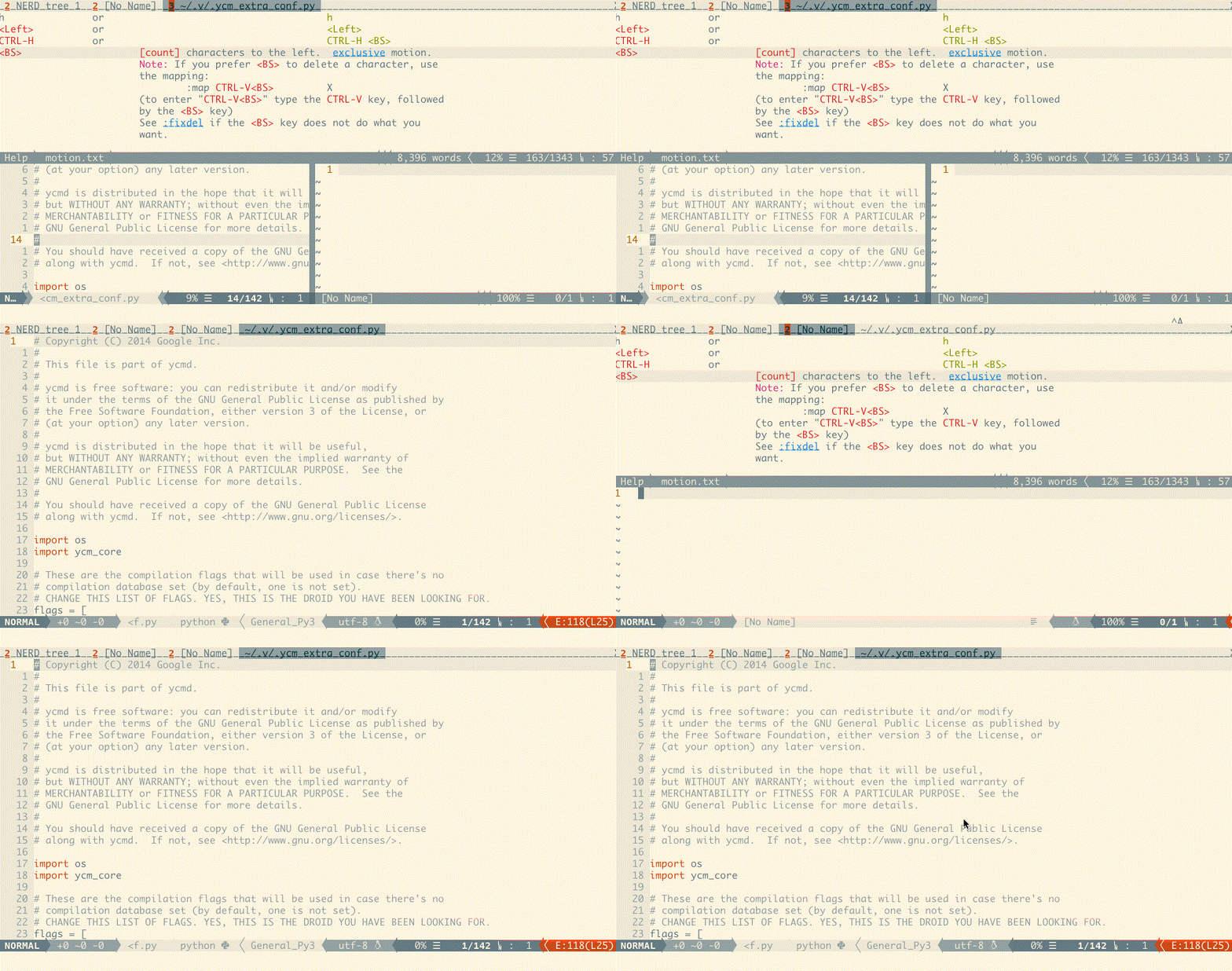
-
Space: cycle through even-horizontal, even-vertical, main-horizontal, and main-vertical layouts -
{: swap the current pane with the previous pane -
}: swap the current pane with the next pane
Pane swapping wraps at the beginning and end of the window list. Focus follows the original pane content to its new position.
Press H, J, K, or L to resize once and enter resize mode:
H: increase the current window's widthL: decrease the current window's widthJ: increase the current window's heightK: decrease the current window's heightEsc,Enter, orq: leave resize mode
While resize mode is active, other keys are ignored. A small status window remains visible until the mode exits.

c: open a new tab after the last tabCtrl-HorCtrl-P: select the previous tabCtrl-NorCtrl-L: select the next tab&: confirm and close the current tab
-
?: open the vim-tmuxlike help page -
~: show message history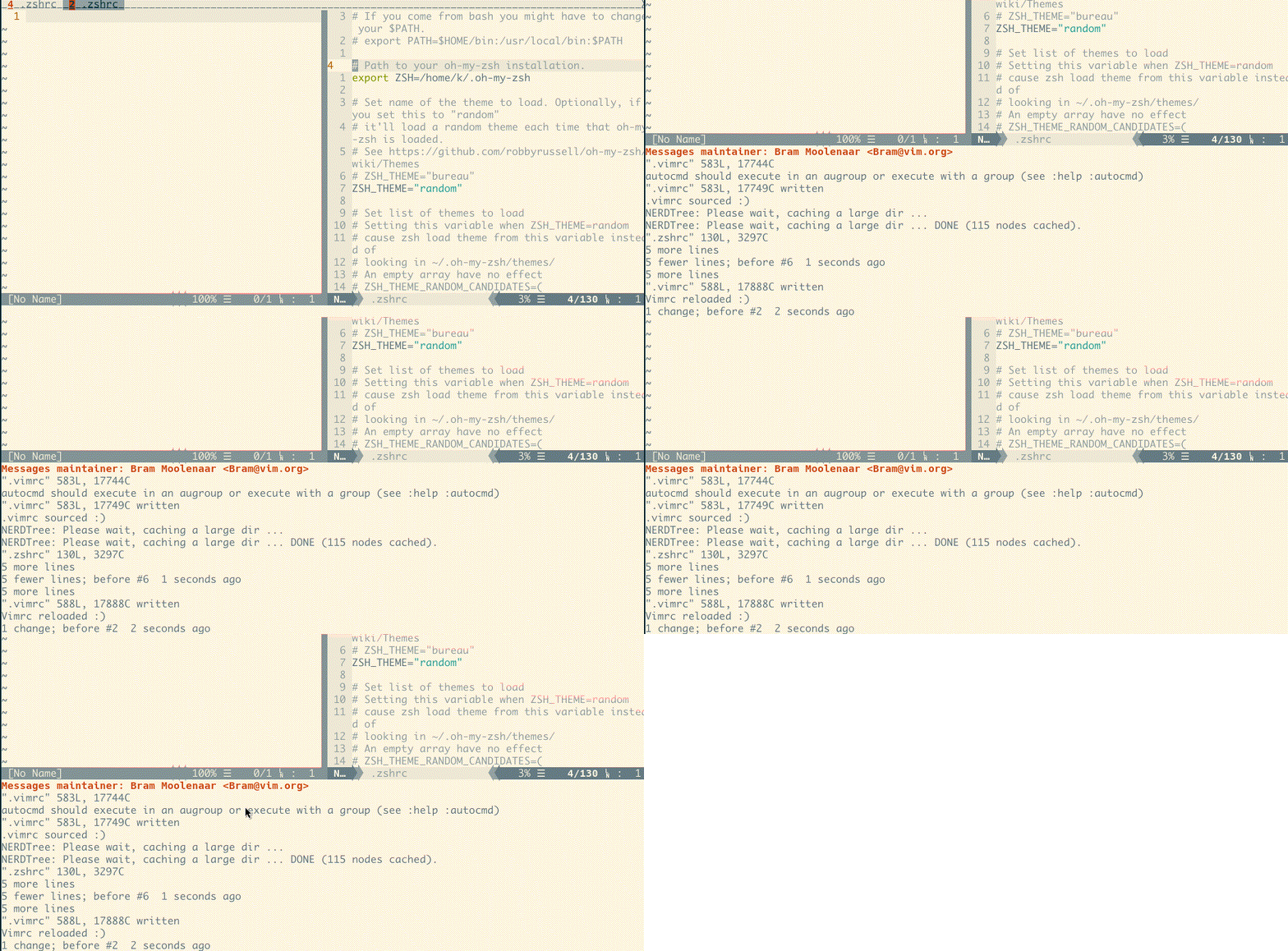
-
d: suspend Vim or Neovim, likeCtrl-Z -
r: redraw the screen -
t: display the current time -
]: paste from the system clipboard (+register) -
q,s,=: open the window chooser
Vim and Neovim both include a built-in chooser that displays a label over each
window. Press a label in lowercase or uppercase to select that window, or
press q/Esc to cancel.
When more than one tab exists, the chooser also displays a numbered tab bar;
press 1–9 to jump directly to a tab.
Chooser markers use static A–Z glyphs generated with TOIlet. The available
fonts are smblock (default) and pagga. Pane labels are assigned from the
preset character sequence ABEFHIJKLMNOPRSTUVWXYZ; C, D, G, and Q
are excluded.
Using vim-plug:
Plug 'karmenzind/vim-tmuxlike'Using lazy.nvim:
{
  "karmenzind/vim-tmuxlike",
  config = function()
    require("tmuxlike").setup()
  end,
}The plugin uses Ctrl-A when no mapping to <Plug>(tmuxlike-prefix) already
exists. Define your own mapping to replace it:
" Ctrl-A (default)
nmap <C-A> <Plug>(tmuxlike-prefix)

" Ctrl-Backslash
nmap <C-\> <Plug>(tmuxlike-prefix)

" Press the leader key twice
nmap <Leader><Leader> <Plug>(tmuxlike-prefix)
Neovim users can configure the prefix through Lua instead:
require("tmuxlike").setup({
  prefix = "<C-a>",
})The keys used to split the current buffer can be changed before the plugin is loaded:
let g:tmuxlike_key_vsplit = '\'  " Default: |
let g:tmuxlike_key_hsplit = '-'  " Default: _
Message history opens in a scratch buffer by default:
let g:tmuxlike_messages_container = 'scratch'Supported values are:
scratch: open message history in a scratch bufferfloat: open message history in a popup on Vim or a scrollable floating window on Neovim- any other value: use the standard
:messagesdisplay
Vim users can configure the built-in chooser before the plugin is loaded:
let g:tmuxlike_chooser_scope = 'current'  " current or all
let g:tmuxlike_chooser_font = 'smblock'   " smblock or pagga
let g:tmuxlike_chooser_characters = 'ABEFHIJKLMNOPRSTUVWXYZ'
Neovim users can configure resize behavior, message display, the window chooser, and every command key:
require("tmuxlike").setup({
  prefix = "<C-a>",
  resize_step = 3,
  messages = "float",
  chooser = {
    scope = "current", -- "current" or "all"
    font = "smblock",  -- "smblock" or "pagga"
    characters = "ABEFHIJKLMNOPRSTUVWXYZ",
  },
  mappings = {
    messages = "~",
    choose_window = { "q", "s", "=" },
    split_vertical = "|",
    split_horizontal = "_",
    resize_left = "H",
    resize_down = "J",
    resize_up = "K",
    resize_right = "L",
    next_layout = "<Space>",
    swap_pane_previous = "{",
    swap_pane_next = "}",
  },
})
Mapping values may be a key, a list of keys, or false to disable the
command. Available mapping names are:
help, zoom, new_horizontal, split_horizontal, new_vertical, split_vertical,
new_tab, previous_tab, next_tab, close_window, close_tab, messages,
break_pane, suspend, redraw, time, paste, previous_window, window_left,
window_down, window_up, window_right, resize_left, resize_down, resize_up,
resize_right, choose_window, next_layout, swap_pane_previous, swap_pane_next
The existing g:tmuxlike_key_vsplit, g:tmuxlike_key_hsplit,
g:tmuxlike_messages_container, and g:tmuxlike_chooser_scope variables
remain supported as defaults. g:tmuxlike_chooser_font selects the Vim
chooser font and is also used as the Neovim default.
Chooser labels c, d, g, q, and digits are reserved and automatically
excluded. Digits 1–9 select tabs when multiple tabs are open. Explicitly
configuring C, D, G, or Q raises an error.
See Known Issues for details.
If you find a problem, please open an issue.