User Interface Login
BridgeCTL now supports adding a login password to secure the User Interface. When this password is set, any user attempting to open the user interface will be presented with a login prompt:
The password can be removed or changed on the Settings page.
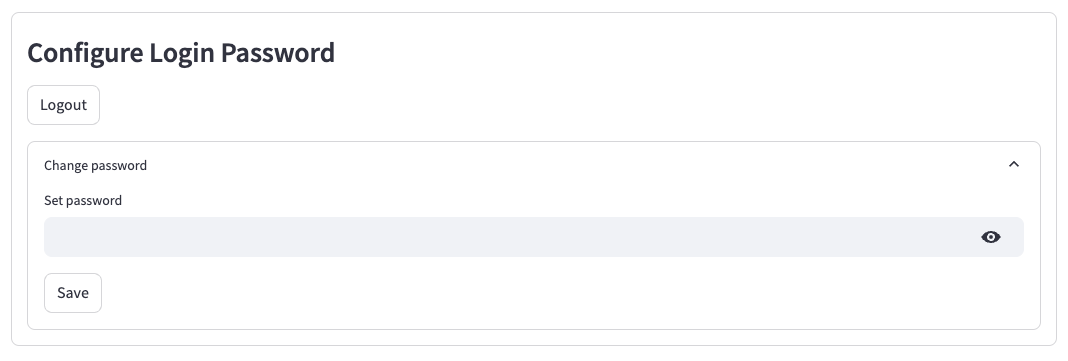
This password is stored in bridgectl/config/app_settings.yml. If the password is forgotten, it can be changed or removed by editing the property directly in app_settings.yml. Note that when running BridgeCTL on localhost password protection is probably not required, only when exposing the interface externally (for example when using headless linux).