Copyright (c) 2019 by Botorabi. All rights reserved.
https://github.com/botorabi/SensorStation

License: MIT License (MIT)
Read the LICENSE text in main directory for more details.

First Created:     June 2019
Author:            Botorabi (botorabi AT gmx DOT net)
                   https://vr-fun.net
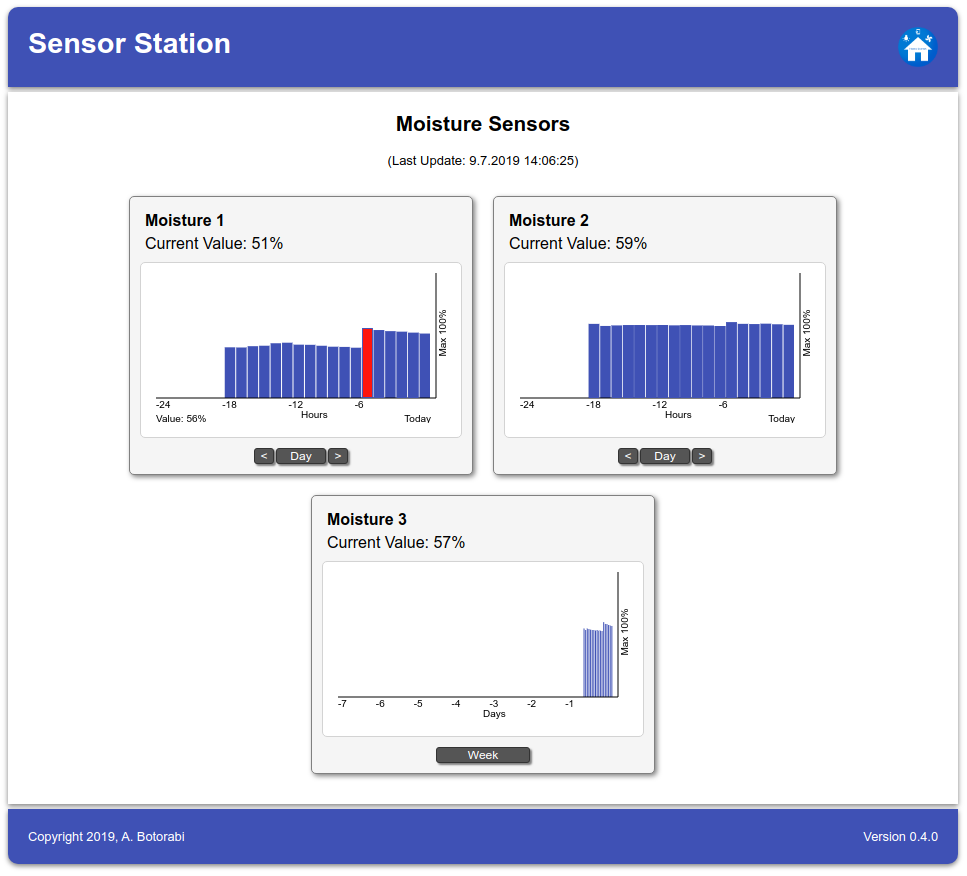
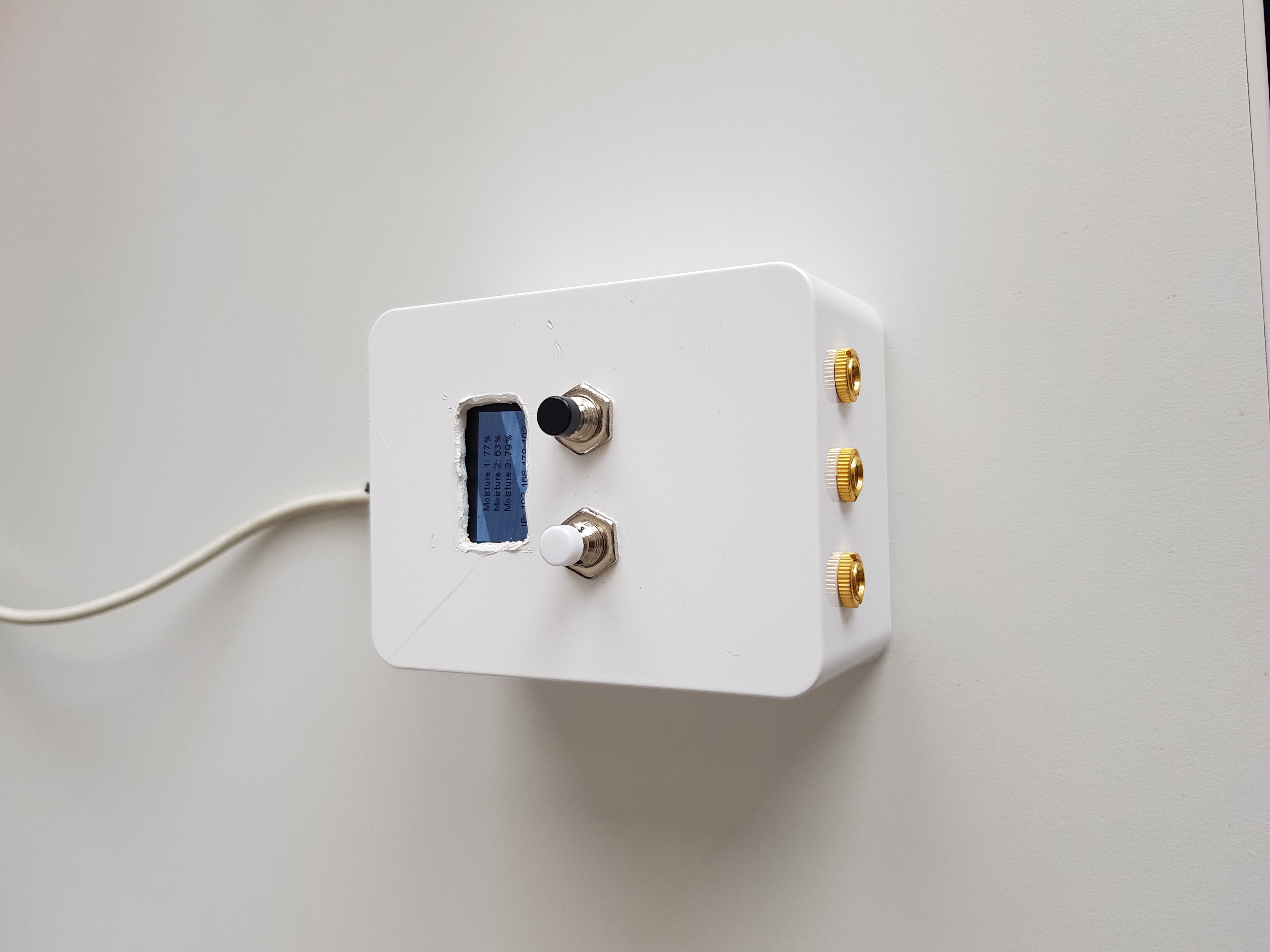
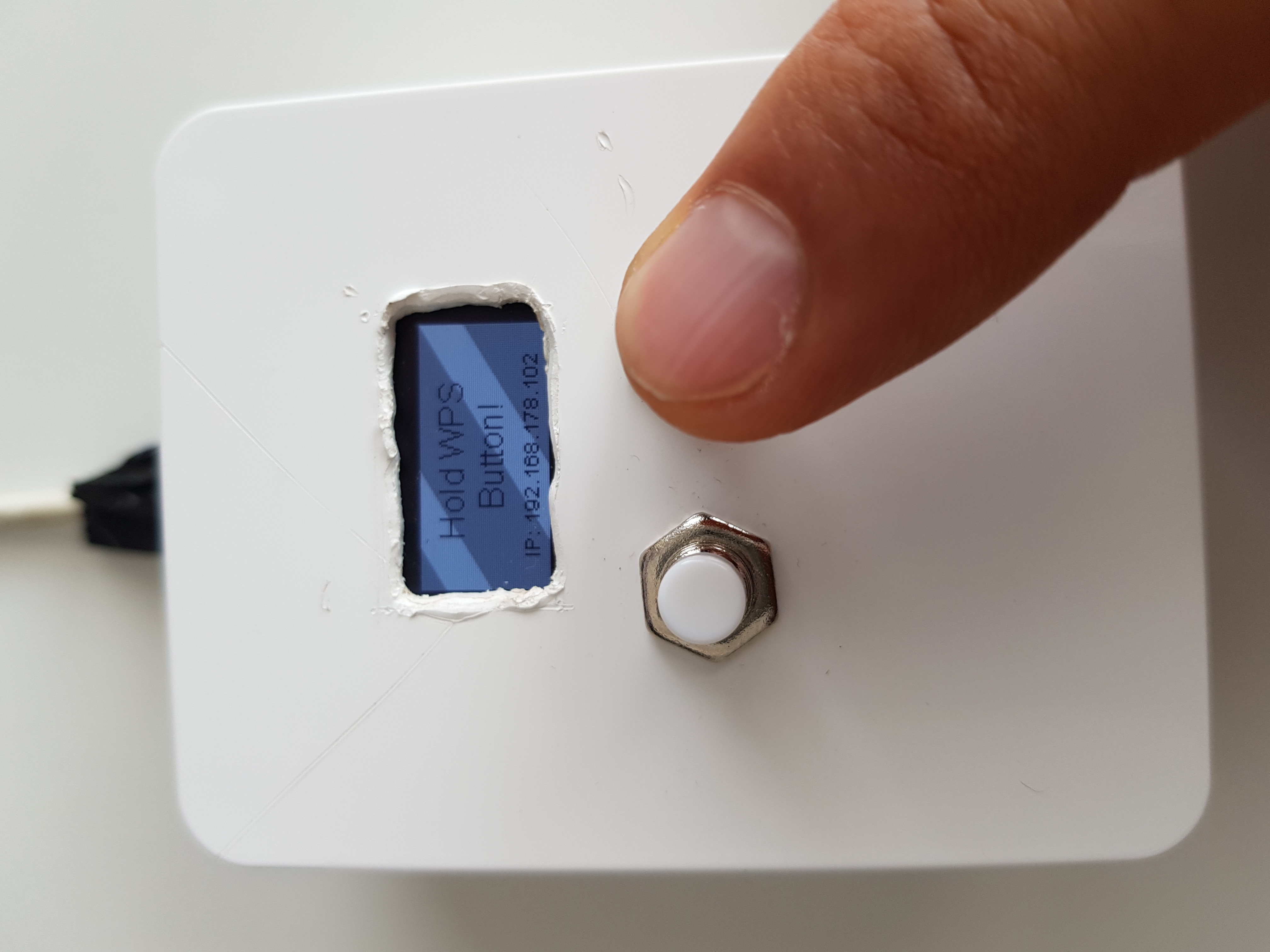
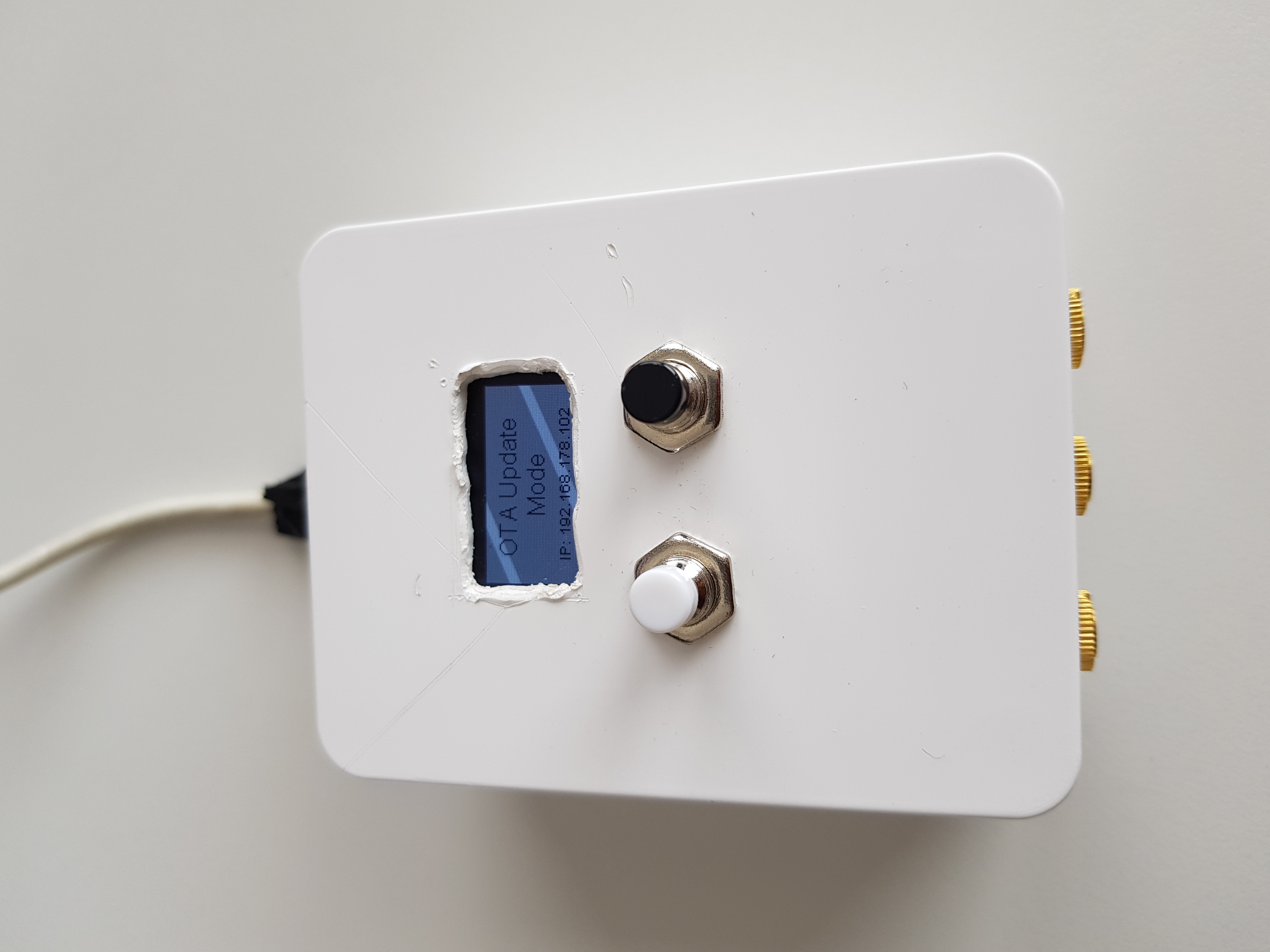
Sensor Station is an Arduino project developed and tested on an ESP32 module and allows the storage and access to sensor data. The project supports an OLED display and two input buttons: one for starting WPS and one for turning on the OLED display. Hold the WPS button pressed to connect SensorStation to a WiFi network using WPS. An embedded webserver provides a REST API and web page for accessing the data. It is possible to put the webserver behind a reverse-proxy, the webserver is aware of X-Forwarded-Prefix in HTML request header. It is an easy task to integrate the SensorStation in HomieCenter.
Visit Sensor Station also on HACKADAY.IO and hackster.io.
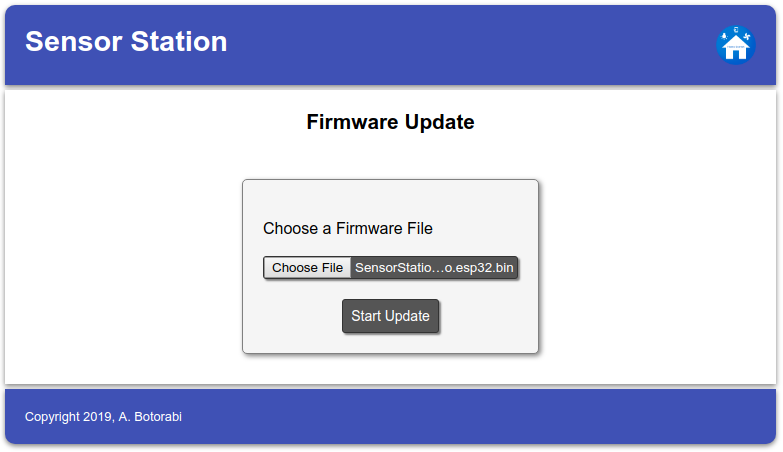
For updating the firmware a new image file can be flashed using Over The Air (OTA) updating mechanism. Hold the Display button pressed until SensorStation restarts into OTA Update Mode, then visit the web page /update and upload your firmware image. After updating, Sensor Station will reboot into normal operation mode. Be aware that -- for the sake of security -- while being in normal mode the /update page will not be available, so you will need physical access to the device and press & hold the display button to enable the OTA Update Mode. One way to create an firmware image file is using the utility provided in menu entry Sketch/Export compiled Binary of Arduino IDE.
Use the Arduino IDE to load the file Arduino/SensorStation/SensorStation.ino and build/upload it to your board. The project is configured for an ESP32 NodeMCU Module with CP2102. If you want to try it on a different module, you may need to adapt the IOs for display, button, and sensor input pins.
The project uses a few libraries which are already setup in this repository: AsyncTCP, ESPAsyncWebServer, and OLED Driver for SSD1306.
The web page sources are located in folder Arduino/SensorStation/resources/html. You will need to run the build.sh script in the folder Arduino/SensorStation/resources after changing any HTML file. It will prepare the HTML resources for the next build.