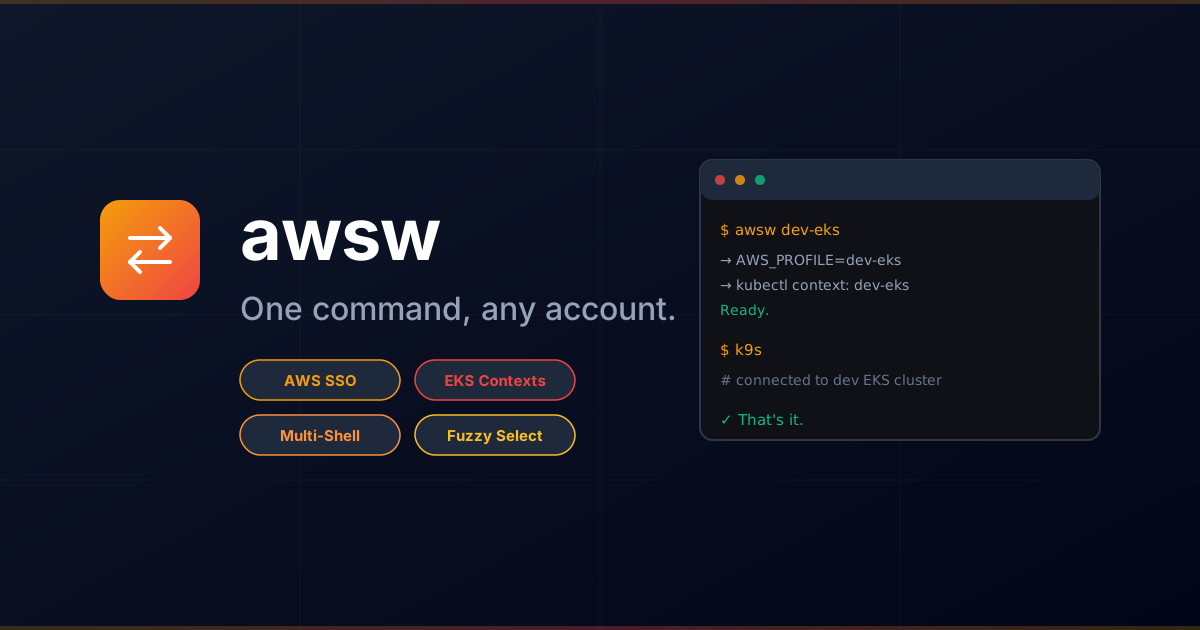


"One command, any account."
A lightweight CLI for seamlessly switching between AWS SSO accounts and EKS cluster contexts. Switch account → switch kubectl context → use k9s / kubectl against the right cluster immediately.
brew tap dotbrains/tap
brew install awswgit clone https://github.com/dotbrains/awsw.git
cd awsw
make install# 1. Generate AWS config and discover EKS clusters
awsw setup
# 2. Authenticate via SSO (opens browser)
awsw login
# 3. Switch to an account
awsw dev-eks
# 4. Use kubectl / k9s as normal — it's already pointing at the right cluster
k9sawsw needs to set AWS_PROFILE in your current shell. Add one of the following to your shell rc file:
fish (~/.config/fish/config.fish):
awsw init fish | sourcebash (~/.bashrc):
eval "$(awsw init bash)"zsh (~/.zshrc):
eval "$(awsw init zsh)"Interactive mode. Presents a fuzzy-searchable list via fzf. EKS profiles show one line per cluster:
$ awsw
  dev-ro                dev (111111111111) ReadOnlyAccess
  my-cluster-dev        dev (111111111111) eng-eks
> my-cluster-staging    staging (222222222222) eng-eks
  prod-ro               production (333333333333) ReadOnlyAccess

→ AWS_PROFILE=it-eks
→ kubectl context: my-cluster-staging
Ready.
Switch by profile alias or cluster name:
$ awsw dev-eks
→ AWS_PROFILE=dev-eks
→ kubectl context: my-cluster-dev
Ready.

$ awsw my-cluster-staging
→ AWS_PROFILE=it-eks
→ kubectl context: my-cluster-staging
Ready.
Authenticate the shared SSO session. Skips the browser if already authenticated. Use --force to re-authenticate.
Show current state:
$ awsw status
AWS Profile:  dev-eks
Account:      111111111111
Role:         eng-eks/nicholas
Kube Context: dev-eks
Generate ~/.aws/config with all SSO profiles and populate ~/.kube/config with EKS cluster contexts using human-friendly names.
| Alias | Account | ID | Role | EKS |
|---|---|---|---|---|
dev-ro |
dev | 111111111111 |
ReadOnlyAccess | — |
dev-eks |
dev | 111111111111 |
eng-eks | ✓ |
it-eks |
staging | 222222222222 |
eng-eks | ✓ |
prod-ro |
production | 333333333333 |
ReadOnlyAccess | — |