mpsyt
Note: this repository started as a fork of mps-youtube <https://github.com/mps-youtube/yewtube/>_ as mps-youtube went unmaintained. With the change to yewtube, some search options were lost. This version maintains using the google api. Since I maintain it mostly for myself, I can't guarantee it works on other systems etc. Pull requests welcome, though.
- Search and play audio/video from YouTube
- Search tracks of albums by album title
- Search and import YouTube playlists
- Create and save local playlists
- Download audio/video
- Convert to mp3 & other formats (requires ffmpeg or avconv)
- View video comments
- Works with Python 3.x
- Works with Windows, Linux and Mac OS X
- Requires mplayer or mpv
This project is based on mps <https://web.archive.org/web/20180429034221/https://github.com/np1/mps>, a terminal based program to search, stream and download music. This implementation uses YouTube as a source of content and can play and download video as well as audio. The pafy <https://github.com/henkmet/pafy> library handles interfacing with YouTube.
FAQ / Troubleshooting common issues <https://github.com/mps-youtube/yewtube/wiki/Troubleshooting>_ (this may contain things irrelevant to this version)
Search
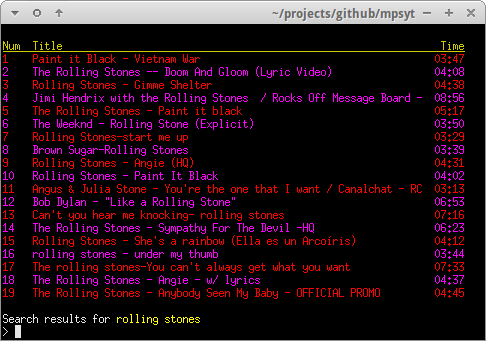
A standard search is performed by entering / followed by search terms.
You can play all of the search results by giving 1- as input
Repeating song/songs can be done with song_number[loop], for example: 1[3] or 4-6[2]
Local Playlists
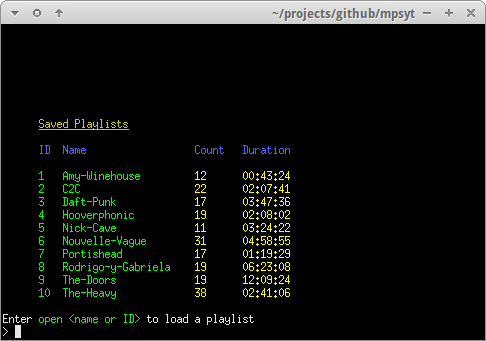
Search result items can easily be stored in local playlists.
YouTube Playlists
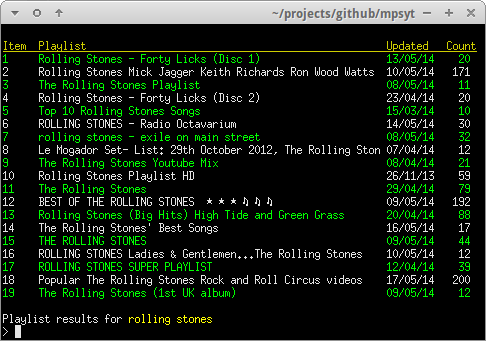
YouTube playlists can be searched and played or saved as local playlists.
A playlist search is performed by // followed by search term.
Download
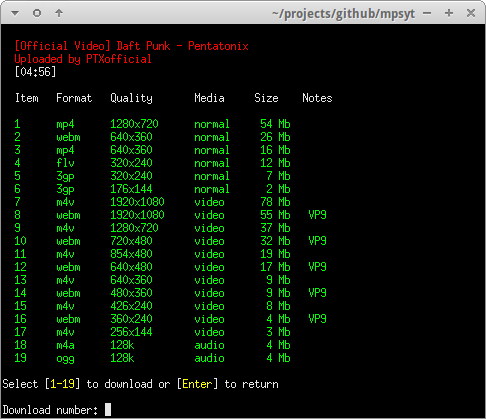
Content can be downloaded in various formats and resolutions.
Comments
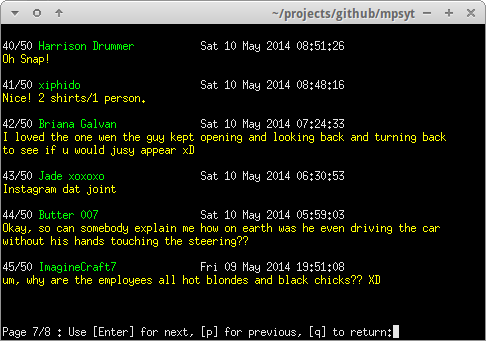
A basic comments browser is available to view YouTube user comments.
Music Album Matching
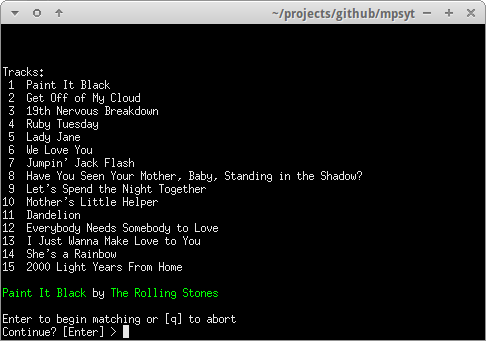
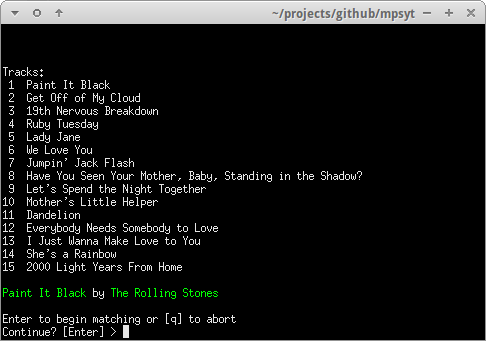
An album title can be specified and mpsyt will attempt to find matches for each track of the album, based on title and duration. Type help search for more info.
Customisation
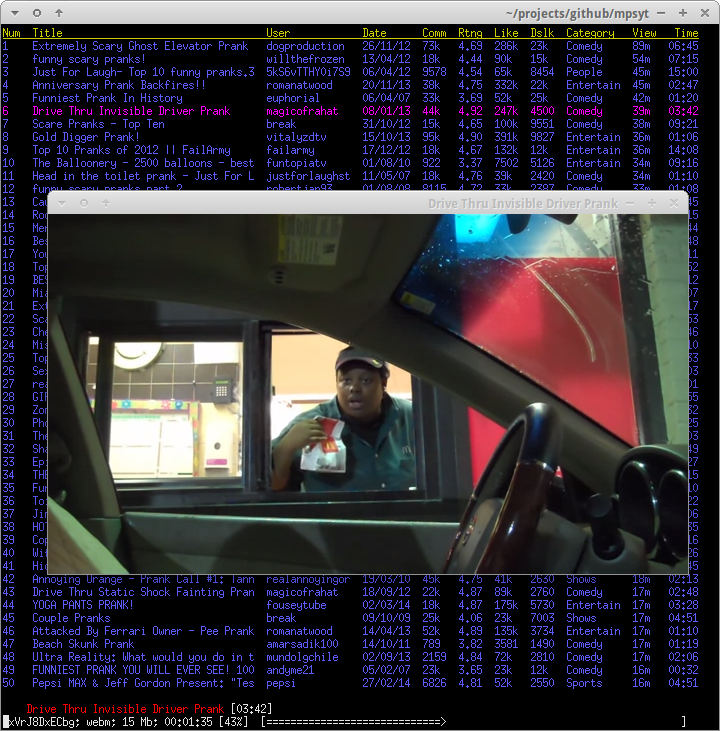
Search results can be customised to display additional fields and ordered by various criteria.
This configuration was set up using the following commands::
set order views
set columns user:14 date comments rating likes category:9 views
Type help config for help on configuration options
Linux
Note: ~/.local/bin should be in your PATH for --user installs.
To install the experimental development version and try the latest features::
$ pip3 install --user -U git+https://github.com/henkmet/mpsyt.git
Installing youtube-dl is highly recommended::
$ pip3 install --user youtube-dl
and to upgrade:
$ pip3 install --user youtube-dl --upgrade
(youtube-dl version dowloaded directly from youtube-dl website can't be used by mpsyt. While the version in the repositories is usually outdated)
For mpris2 support, install the python bindings for dbus and gobject::
$ pip3 install --user dbus-python pygobject
Additional Docker notes
If you would like to locally build the container you can run the following steps
Check out this repo::
git clone https://github.com/henkmet/mpsyt.git
Enter the directory and run docker build::
cd termitube
sudo docker build -t mpsyt .
Now run the container interactively with::
sudo docker run -v /dev/snd:/dev/snd -it --rm --privileged --name mpsyt mpsyt
In order to have access to the local sound device (/dev/snd) the container needs to be privileged.
termitube is run on the command line using the command::
mpsyt
Enter h from within the program for help.
Contributions are welcomed! However, please check out the contributing page <CONTRIBUTING.md>_ before making a contribution.