OLED information display control program for piCorePlayer or other Raspberry Pi and Logitech Media Player (LMS) based audio device.
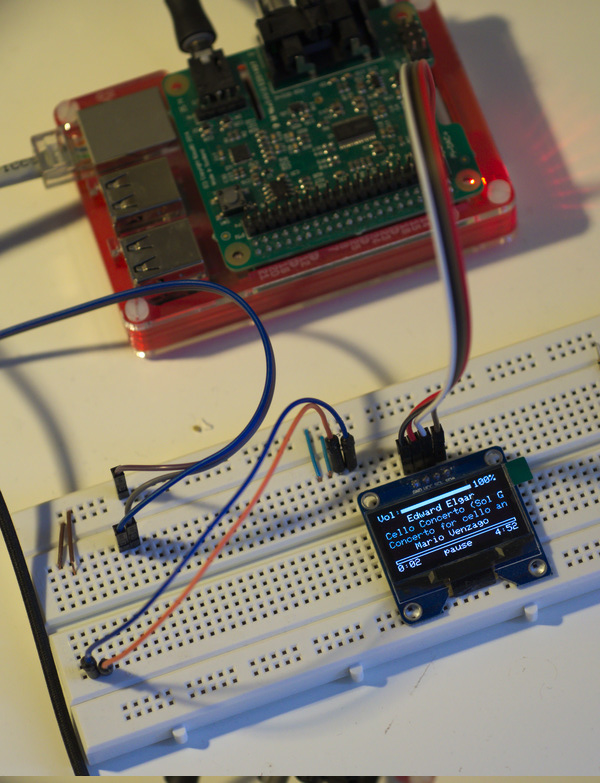
-n PlayerName
-o Soundcard (eg. hw:CARD=IQaudIODAC)
-t enable print info to stdout
-v increment verbose levelYou can find the precompiled binaries on the bin folder
- Copy the
lmsmonitorandstartDisp.shfiles to the/etc/sysconfig/tcedir/directory. - Go to your devices web page, select the
normaloradvancedmode and go to theTweakstab. - Select a
User commandsfield and set/etc/sysconfig/tcedir/startDisp.sh - Reboot
- Raspberry Pi A+
- Raspberry Pi B+
- IQaudIO Pi-DAC+
- 1.3" 128 x 64 White Color OLED Display Module with I2C Interface.