The full native port of Notepad++ to macOS. A full port of the original Notepad++ codebase — not a rewrite, not an alternative, not Wine.
Website · Download · Plugins · Help · Releases




Nextpad++ for macOS brings the beloved Notepad++ Windows code editor to Apple's desktop platform as a fully native Mac application. This is the actual Notepad++ codebase fully ported to run natively on macOS — built from source in Objective-C++, using platform-native APIs, with no compatibility layer in between.
- ✅ Native macOS app — no Wine, Porting Kit, CrossOver, or emulation
- ✅ Universal Binary — runs natively on Apple Silicon (M1–M5) and Intel
- ✅ Apple-notarized — ships signed and approved for macOS Gatekeeper
- ✅ Free and open source — GPL-3.0, no ads, no subscriptions, no telemetry
- ✅ Full feature parity — syntax highlighting, plugins, macros, find-in-files, regex, split view, document map, and more
The goal is not just to make Notepad++ "run" on Mac — it's to make it feel like it belongs there, with native menus, shortcuts, file dialogs, dark mode, Tahoe look, full plugin ecosystem and system integration.

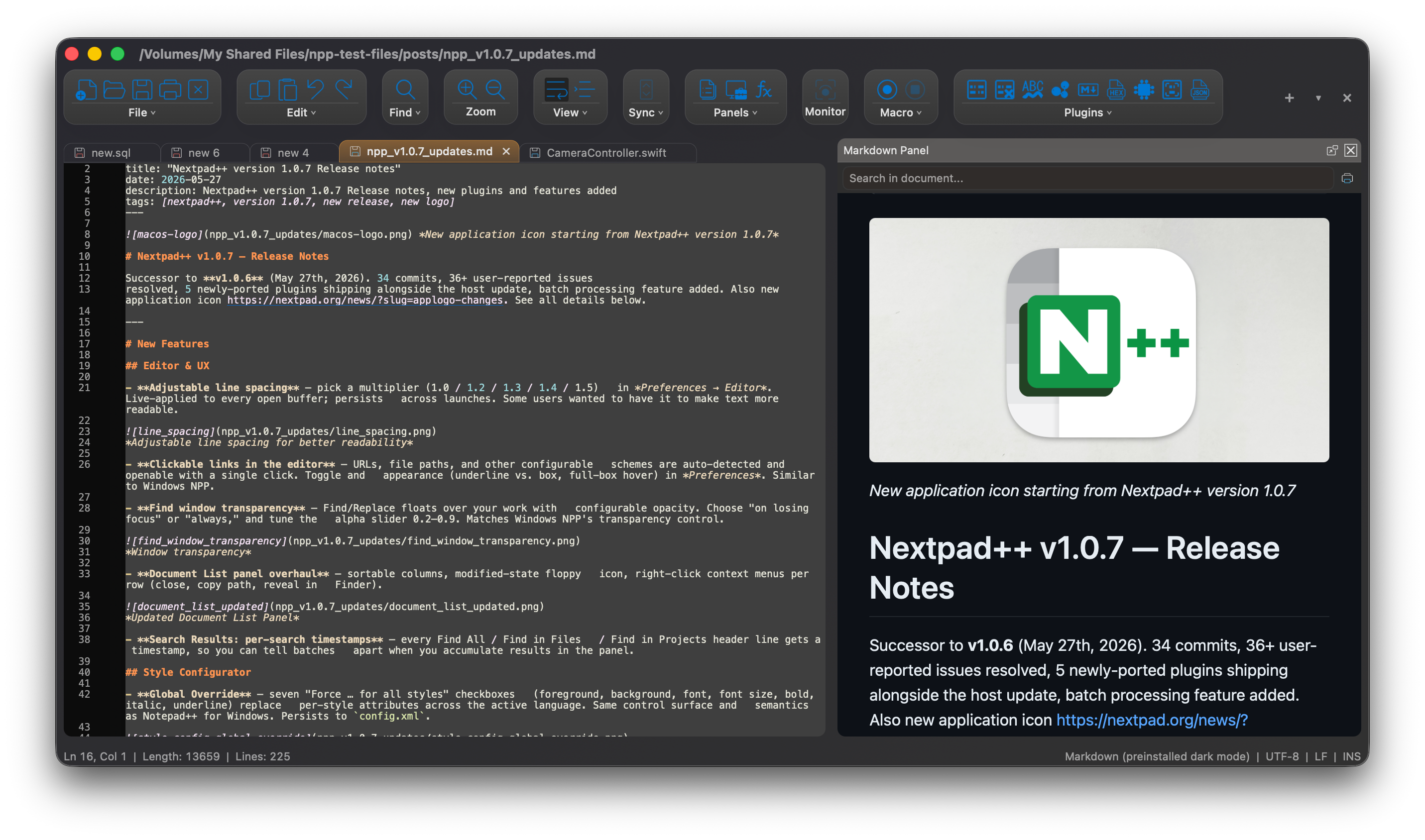
Nextpad++ for macOS in Dark mode Classic Look

Nextpad++ for macOS in Light mode, Classic Look
Nextpad++ for macOS in Light mode, Classic Look
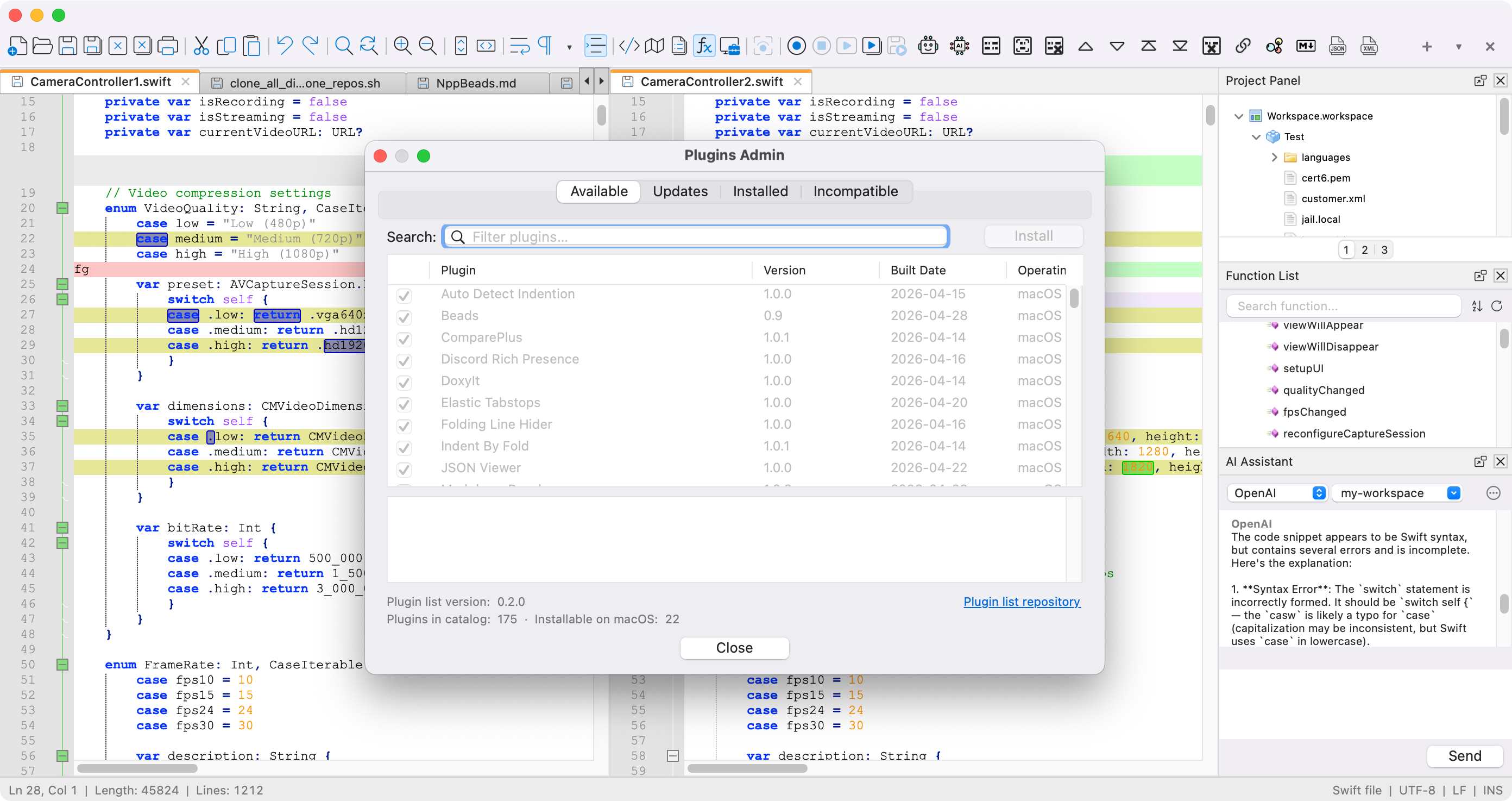
Nextpad++ for macOS in Light mode and Classic Look
Nextpad++ for macOS in Dark mode and Tahoe Look
Get the latest build from nextpad.org/download or directly from GitHub Releases.
The download is a signed, notarized .dmg:
- Open the downloaded
.dmg - Drag Nextpad++ to your Applications folder
- Launch from Applications or Spotlight
You can install Nextpad++ via Homebrew:
brew install --cask nextpad-plus-plus/homebrew-nextpad/nextpadOr install the tap first, step by step:
brew tap nextpad-plus-plus/nextpad
brew install --cask nextpad| Operating System | macOS 11 (Big Sur) or later |
| Processor | Apple Silicon (M1/M2/M3/M4/M5) or Intel |
| Disk Space | ~50 MB |
| Memory | 4 GB RAM minimum |
- Syntax highlighting for 80+ programming languages, with customizable color themes and user-defined languages
- Plugin system with a native Plugin Admin — ~50 plugins already ported, with all ~140 expected by end of April 2026
- Scintilla-based editing component with code folding
- Multi-document tabbed editing
- Split view — view and edit two documents side by side or two parts of the same document
- Powerful search: regular expressions, find-in-files, bookmark lines, incremental search
- Macro recording to automate repetitive editing tasks
- Native macOS UI: menus, dialogs, keyboard shortcuts, dark mode following system preferences
- 137-language UI out of the box
- Document map, character panel, clipboard history, column editor, command palette
- Scintilla as the editing engine — battle-tested, high-performance, the same component powering the Windows version
Yes — Nextpad++ for macOS is a native port of the actual Notepad++ codebase, running directly on macOS as a first-class native application. It is not a knockoff, a Wine wrapper, or a new editor that imitates Notepad++.
No. None of those. Nextpad++ for macOS is a full native port of the original Windows codebase. It runs as a first-class native macOS application using platform APIs directly.
Yes. Nextpad++ for macOS is built as a Universal Binary with native ARM64 support. It runs at full speed on all Apple Silicon Macs without Rosetta translation.
Yes. Completely free and open source under the GPL-3.0 license. No ads, no subscriptions, no in-app purchases, no telemetry.
Plugins are being incrementally ported from Windows. About 50 plugins are already ported and working on macOS, with the full set (~140) expected by the end of April 2026. See the plugin compatibility page for current status.
This project is written in C++ and Objective-C++ and uses CMake as its build system. Source code lives in src/, and platform-native UI code uses .mm files (Objective-C++).
Build instructions will be published as the macOS build pipeline matures. For now, the easiest way to use Nextpad++ on macOS is to download the signed .dmg release.
Bug reports, feedback, and contributions are welcome. For:
- Bug reports and feature requests — please open an issue
- Code contributions — submit a pull request against
main - Plugin porting — see the plugin registry
Nextpad++ for macOS is distributed under the GNU General Public License v3.0, matching the license of the original Notepad++ project.
- Don Ho — original author and principal developer of Notepad++. For over two decades, Don has maintained Notepad++ as a free, open-source project loved by millions of developers. This macOS port is built directly upon his extraordinary work and the Notepad++ codebase, and would not exist without him.
- Andrey Letov — developer of the macOS port (aletik.me, GitHub).
- Scintilla — the editing component that powers both Windows and macOS versions.
- 🌐 Website: https://nextpad.org
- 📥 Download: https://nextpad.org/download/
- 🔌 Plugins: https://nextpad.org/plugins/
- 📖 Documentation: https://nextpad.org/online-help/
- 🐛 Issues: https://github.com/nextpad-plus-plus/nextpad-plus-plus-macos/issues
- 💬 Original Notepad++ Community: https://community.notepad-plus-plus.org/
- 💖 Donate: https://nextpad.org/donate/
Made with care for Mac users who have waited 20 years for this.