You signed in with another tab or window. Reload to refresh your session.You signed out in another tab or window. Reload to refresh your session.You switched accounts on another tab or window. Reload to refresh your session.Dismiss alert
Offline-first iOS toolkit for designers and developers — 19 tools, AI-powered palettes. No backend, no ads, no account required. Only the AI Palette and Google Fonts download touch the network.
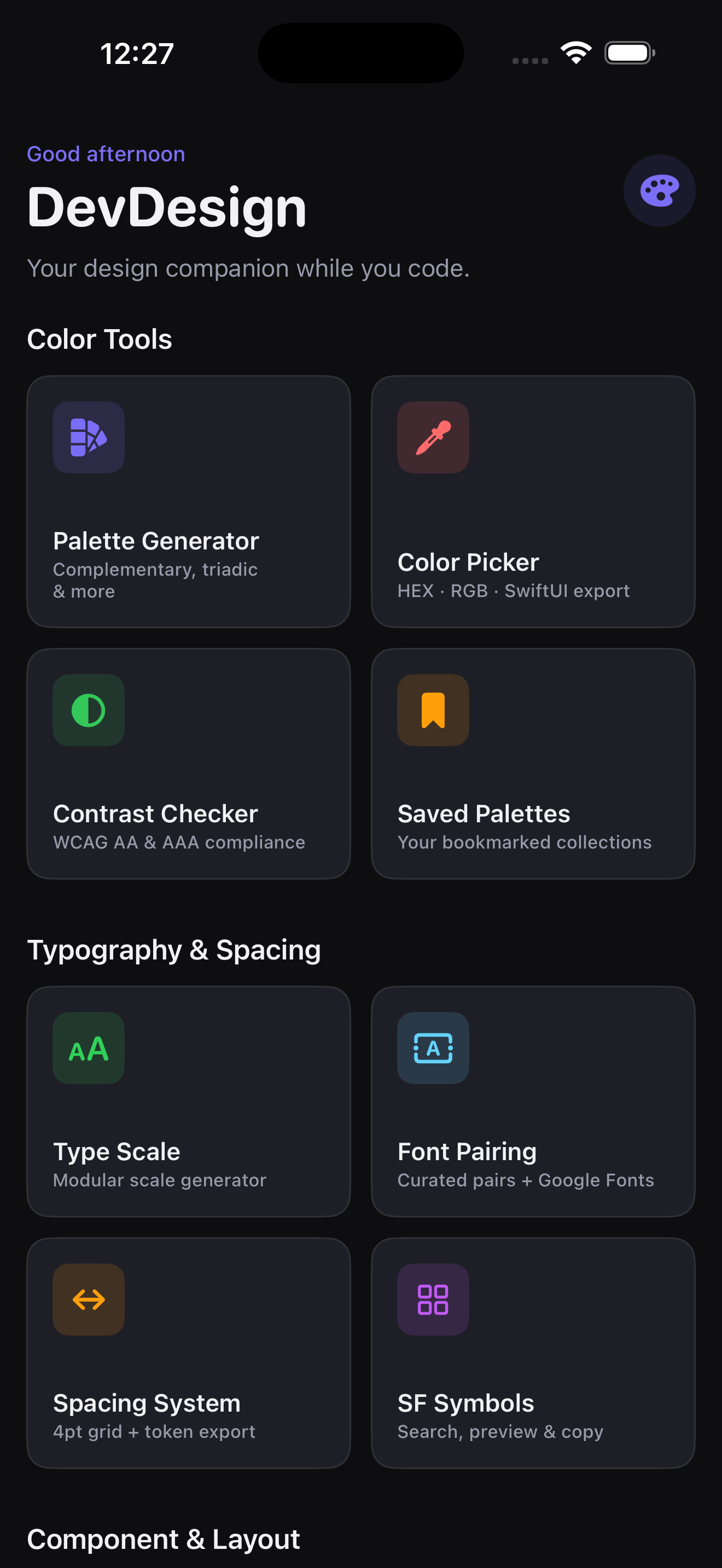
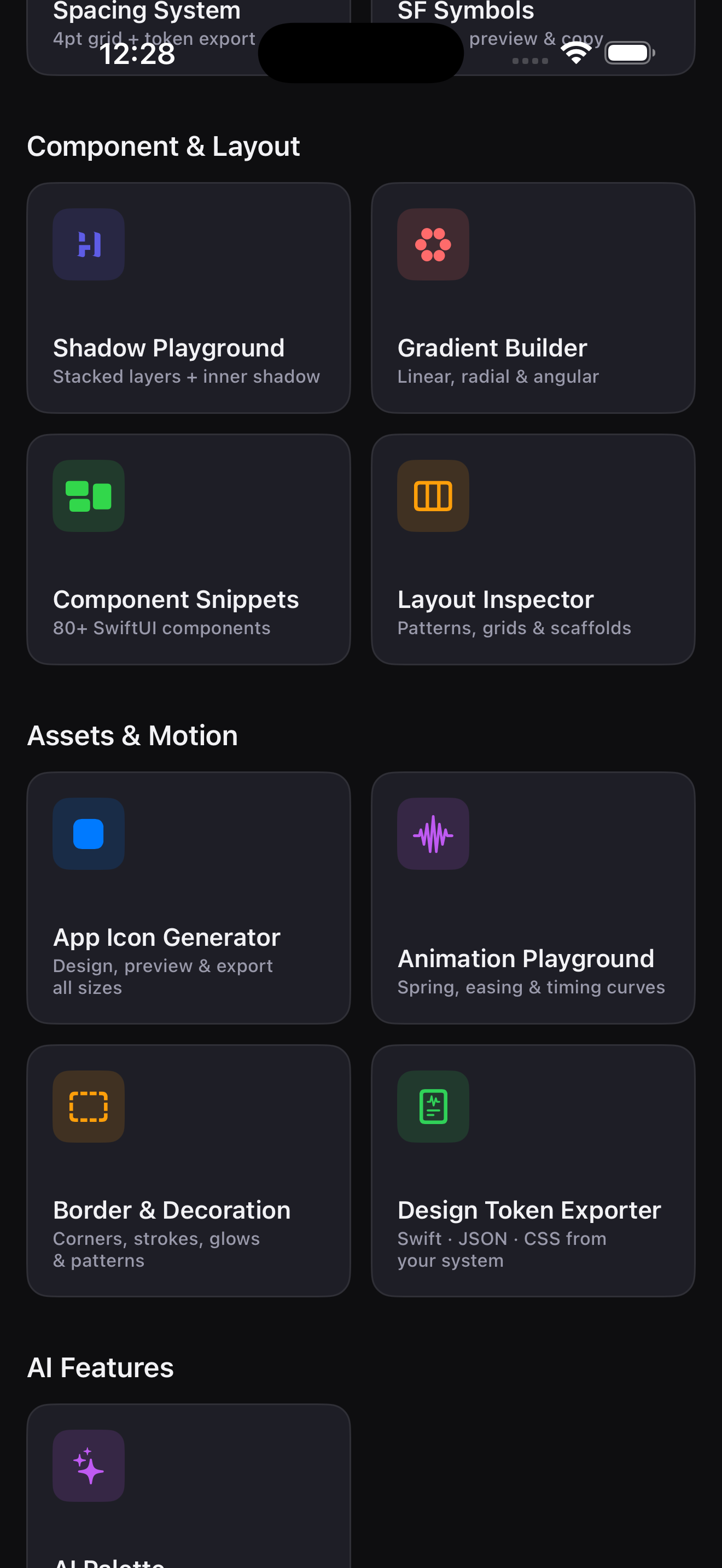
Components, assets, and AI palette tools on the dashboard
Color & Palette
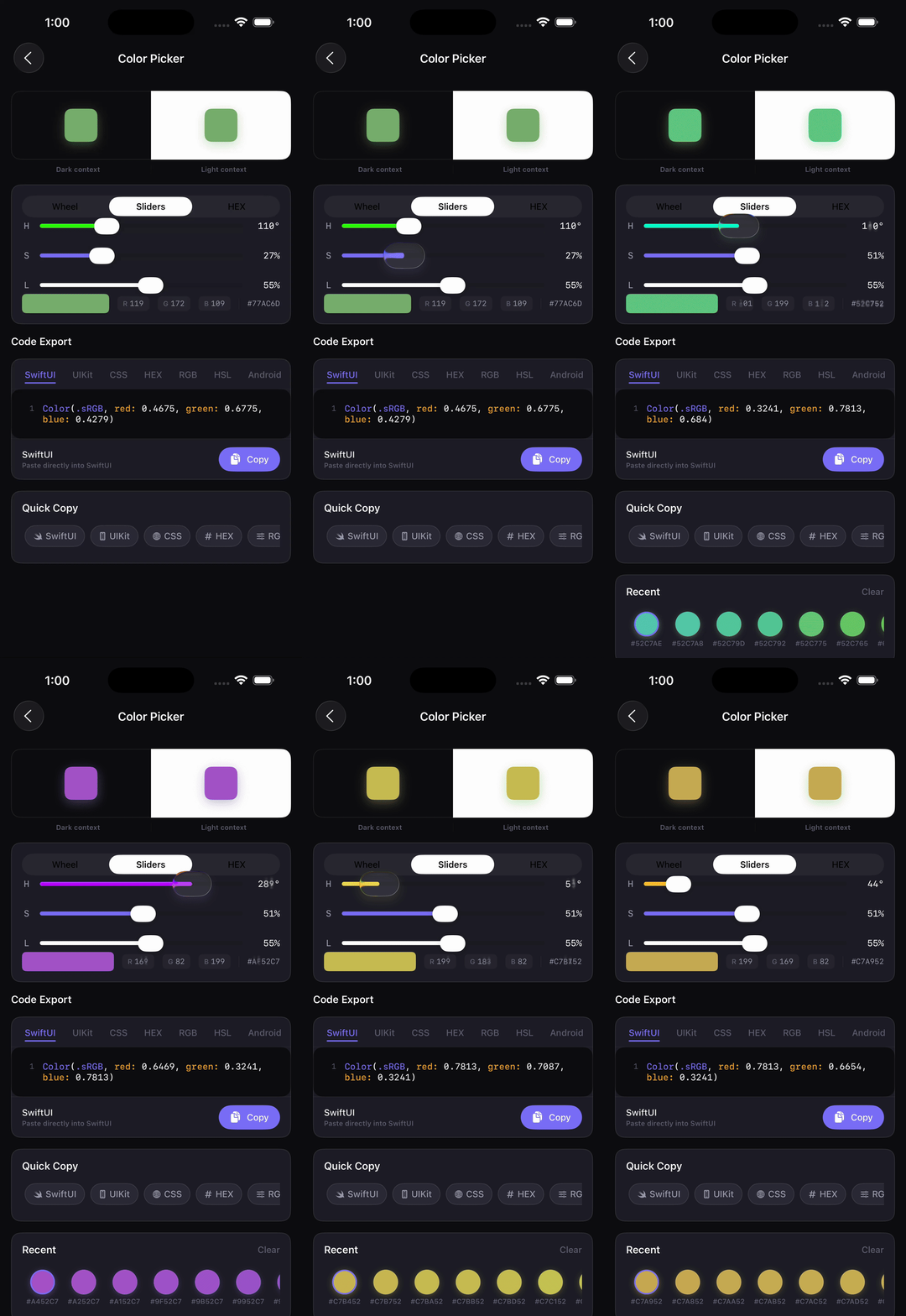
Color Picker
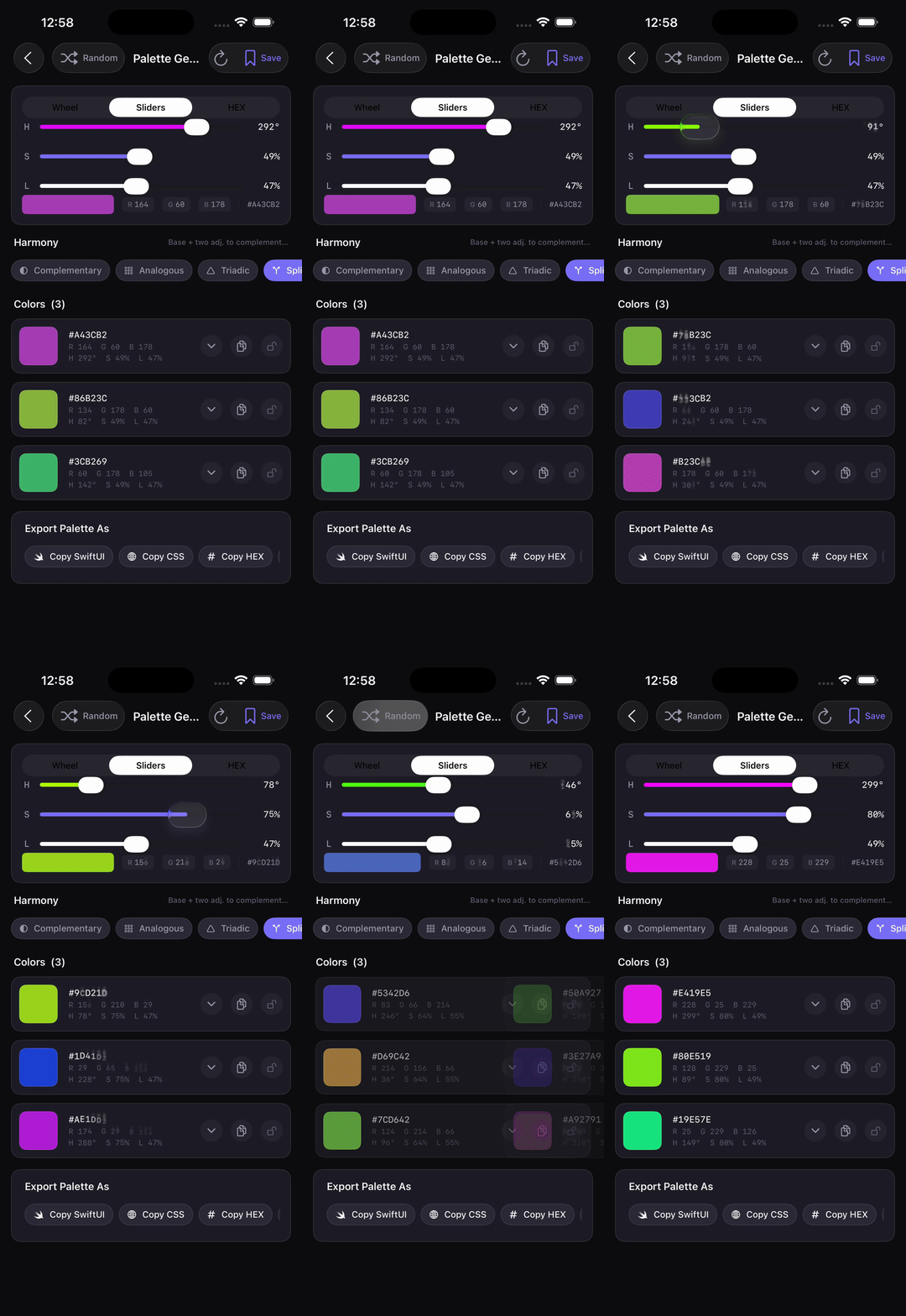
Palette Generator
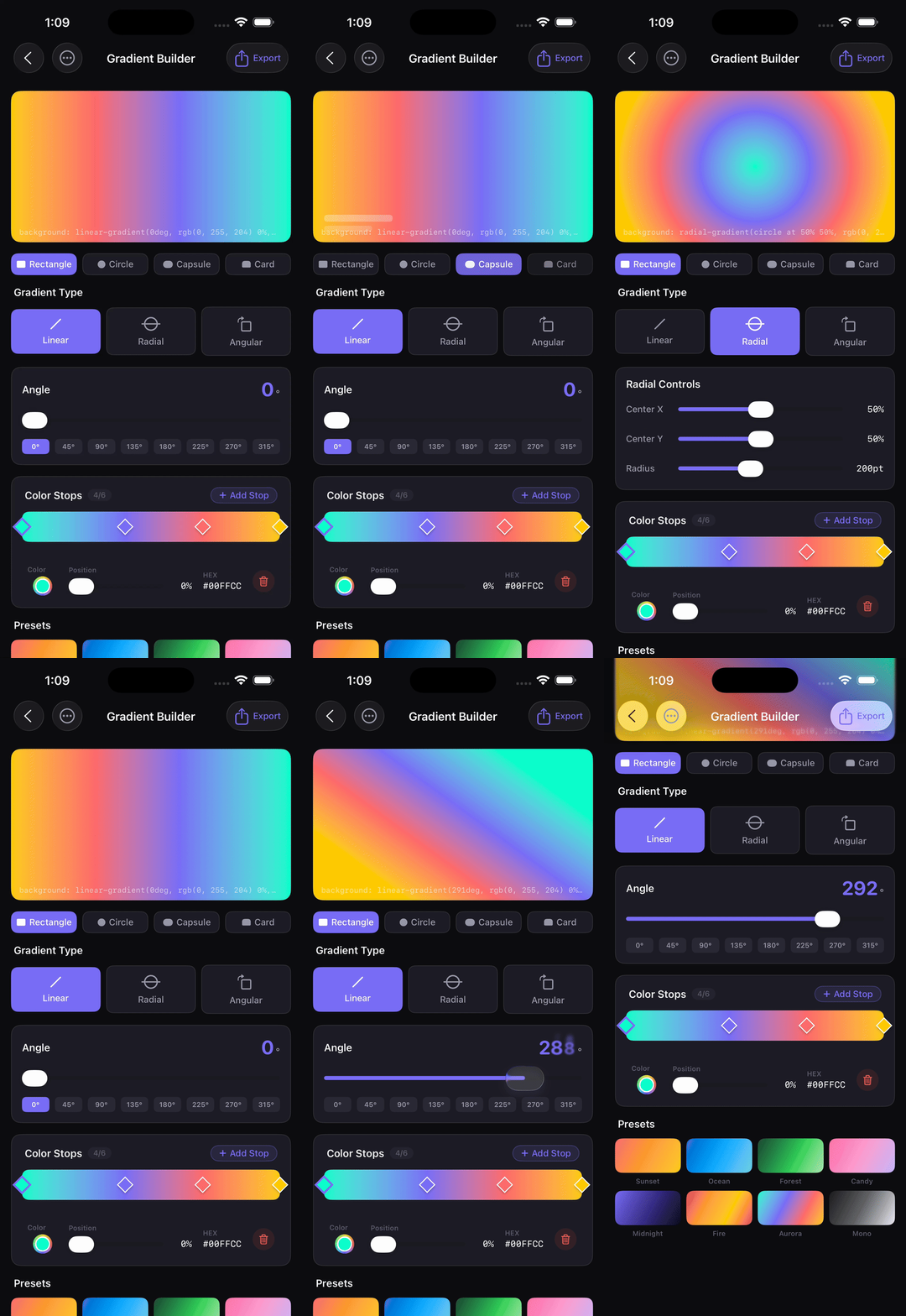
Gradient Builder
HEX / RGB / HSB picker with SwiftUI export
Harmony-based palette generation
Linear and radial gradient editor
AI Features
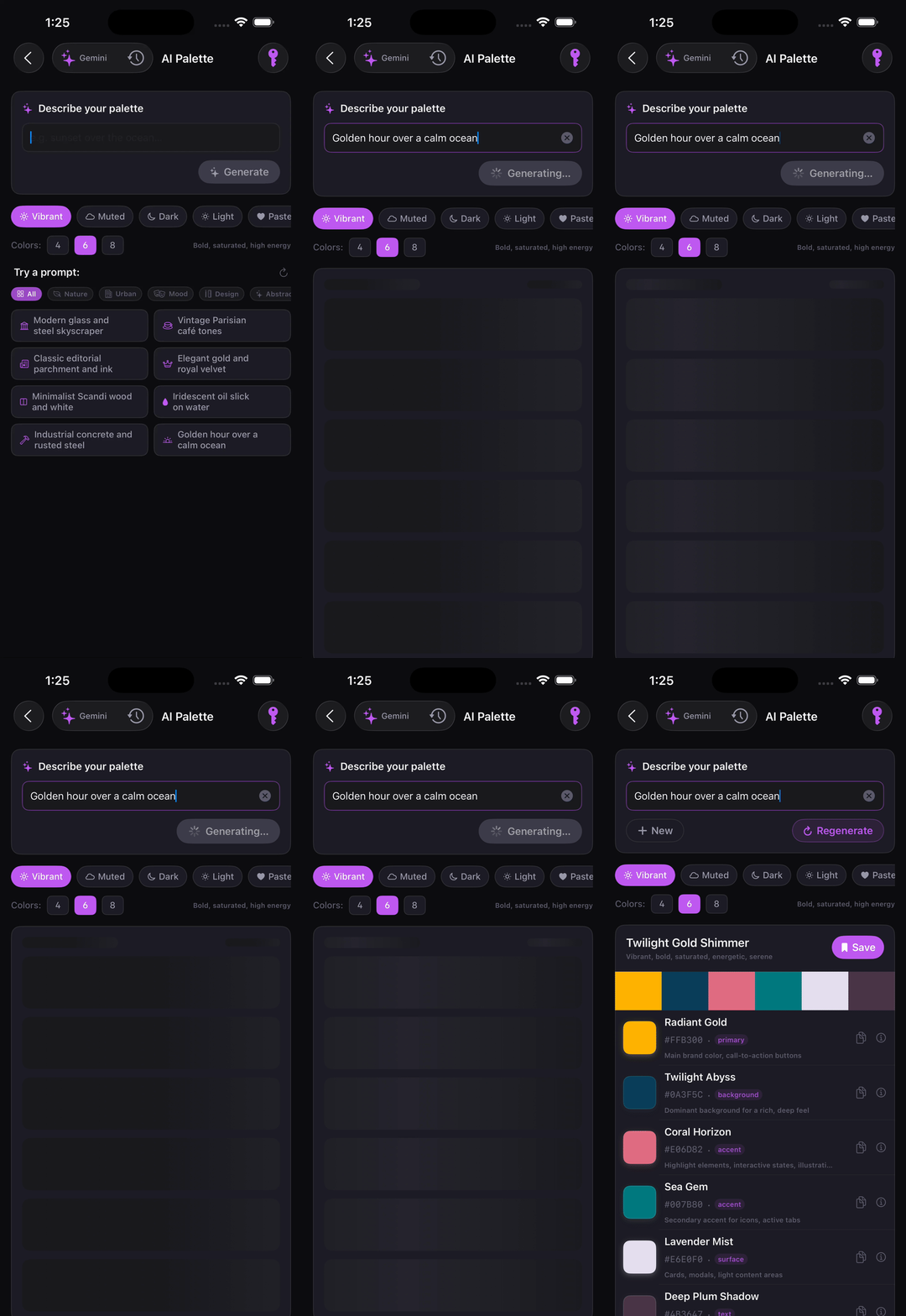
AI Palette Generator
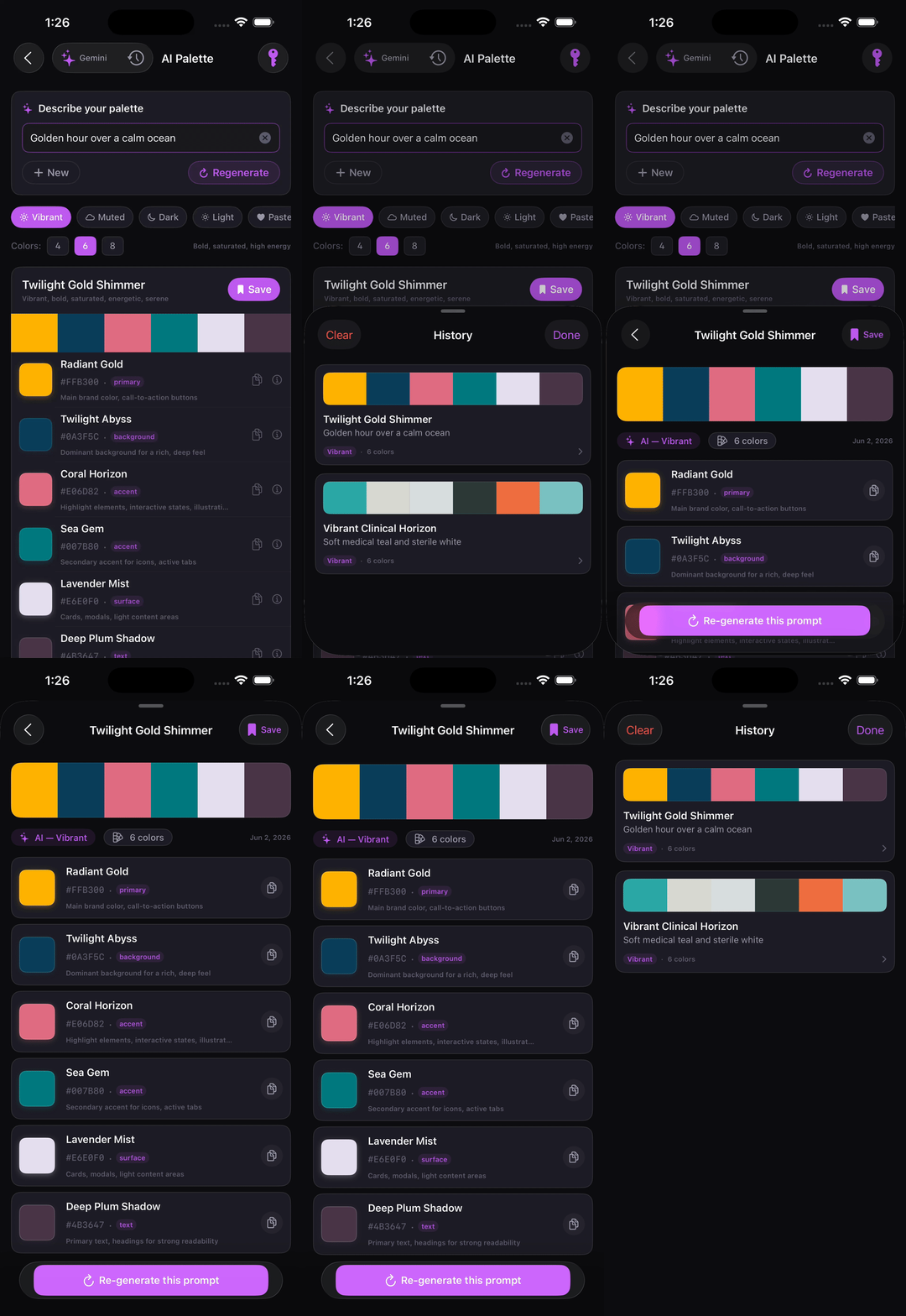
Prompt History
Text-prompt palette generation via Claude, Gemini, or OpenRouter
Prompt history with saved palette snapshots
Typography & Tokens
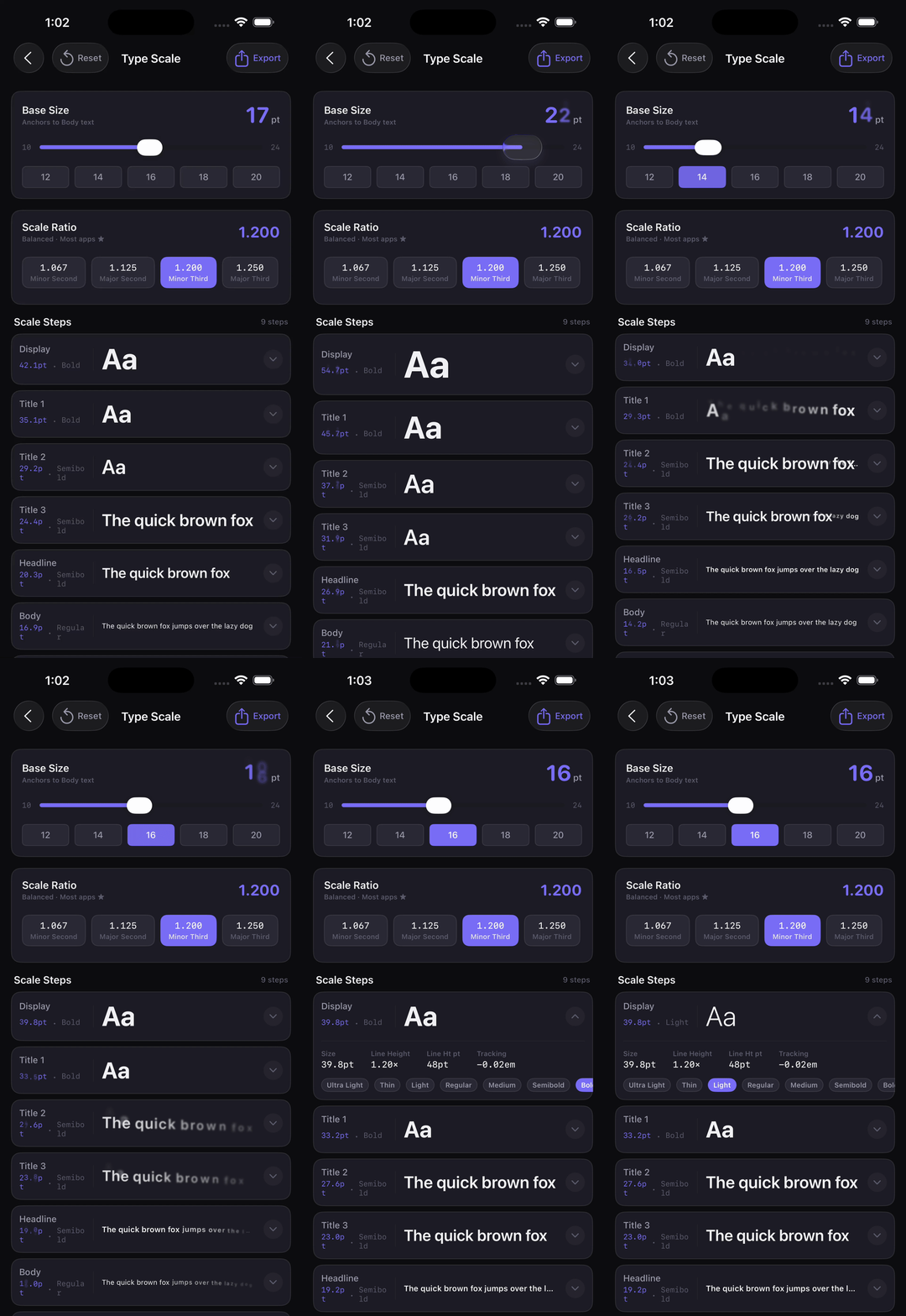
Type Scale
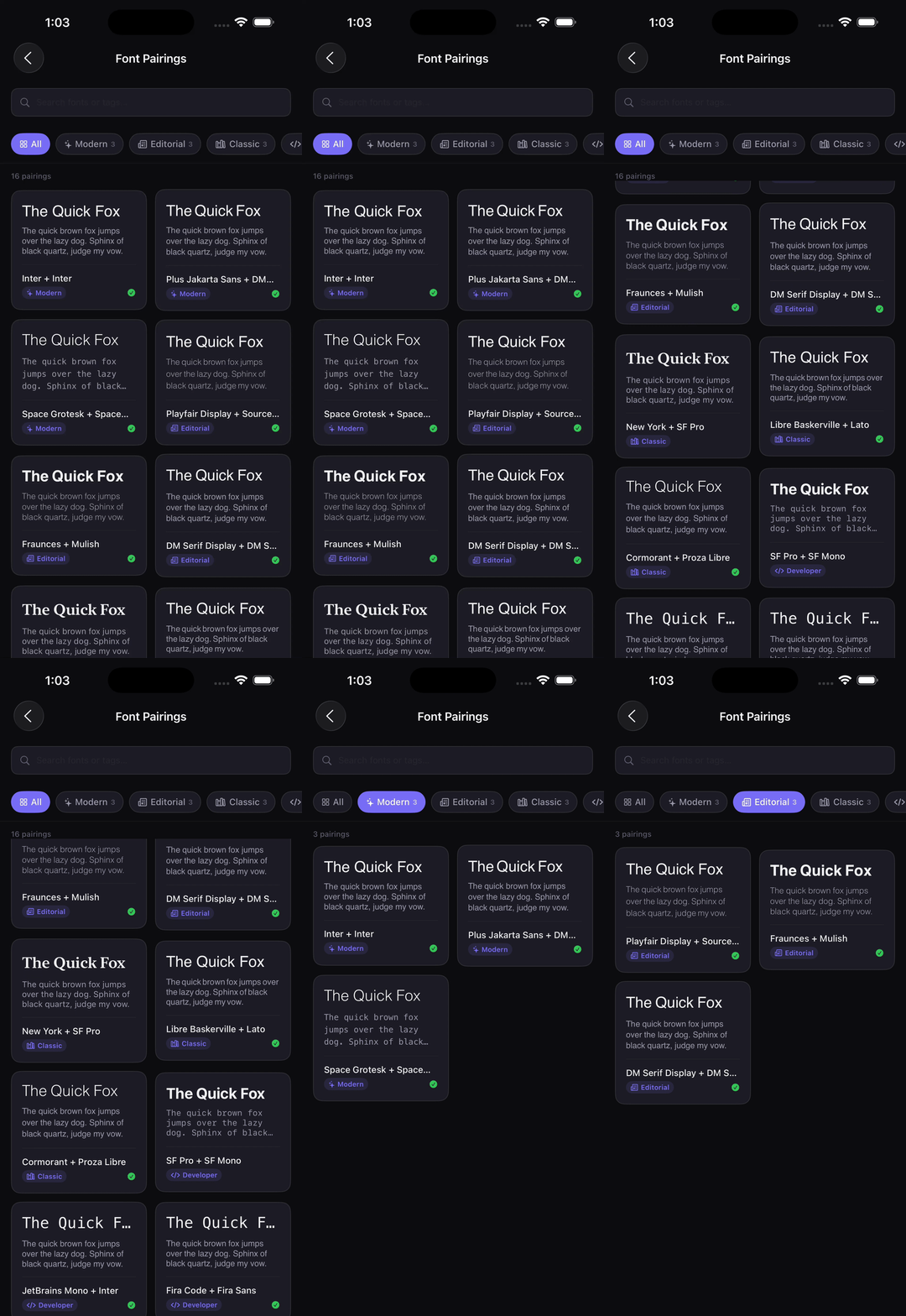
Font Pairing
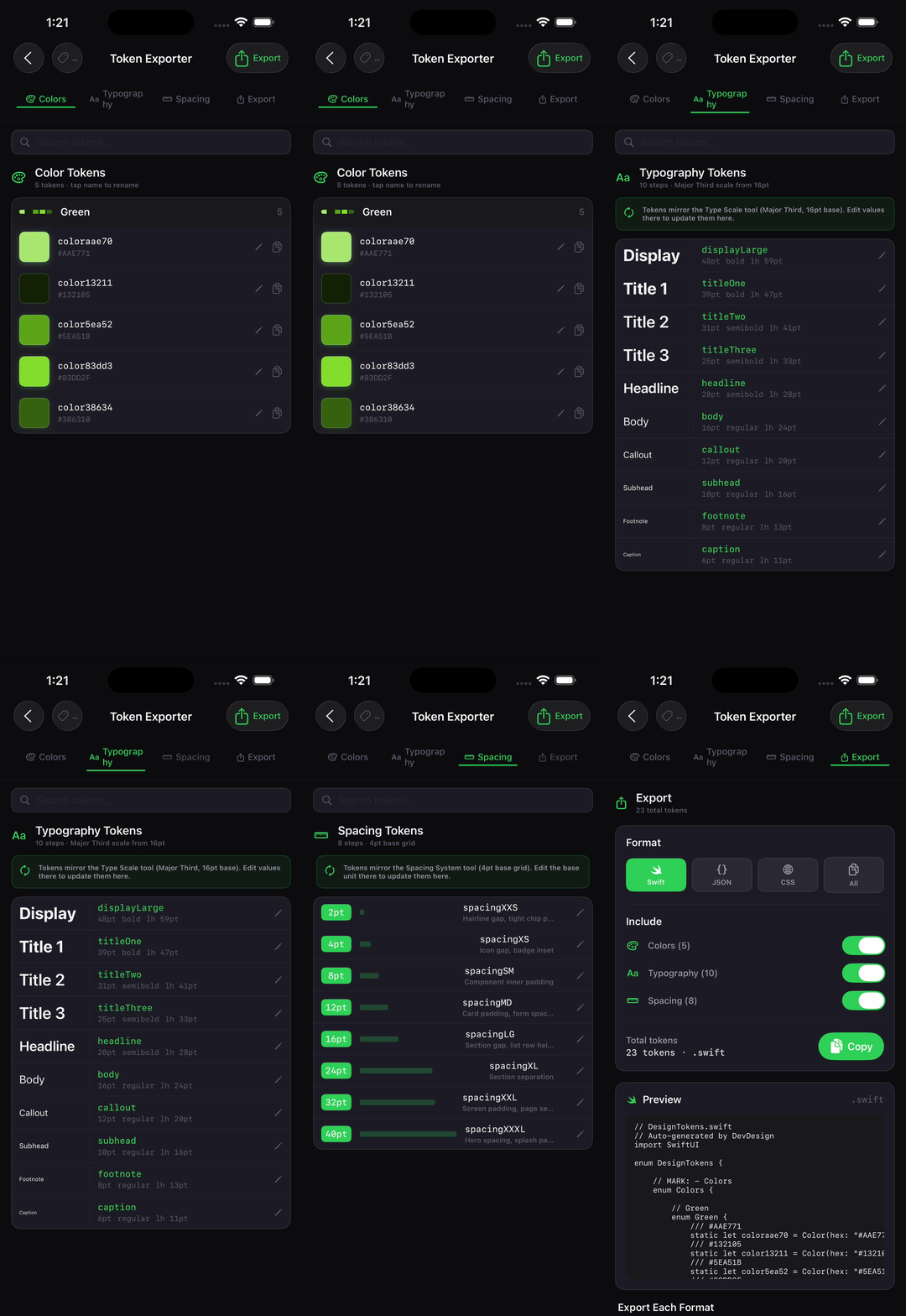
Token Exporter
Modular type scale with 8 ratio presets
Google Fonts + system font pairing with live preview
Swift enum, W3C JSON, and CSS export
Components & Accessibility
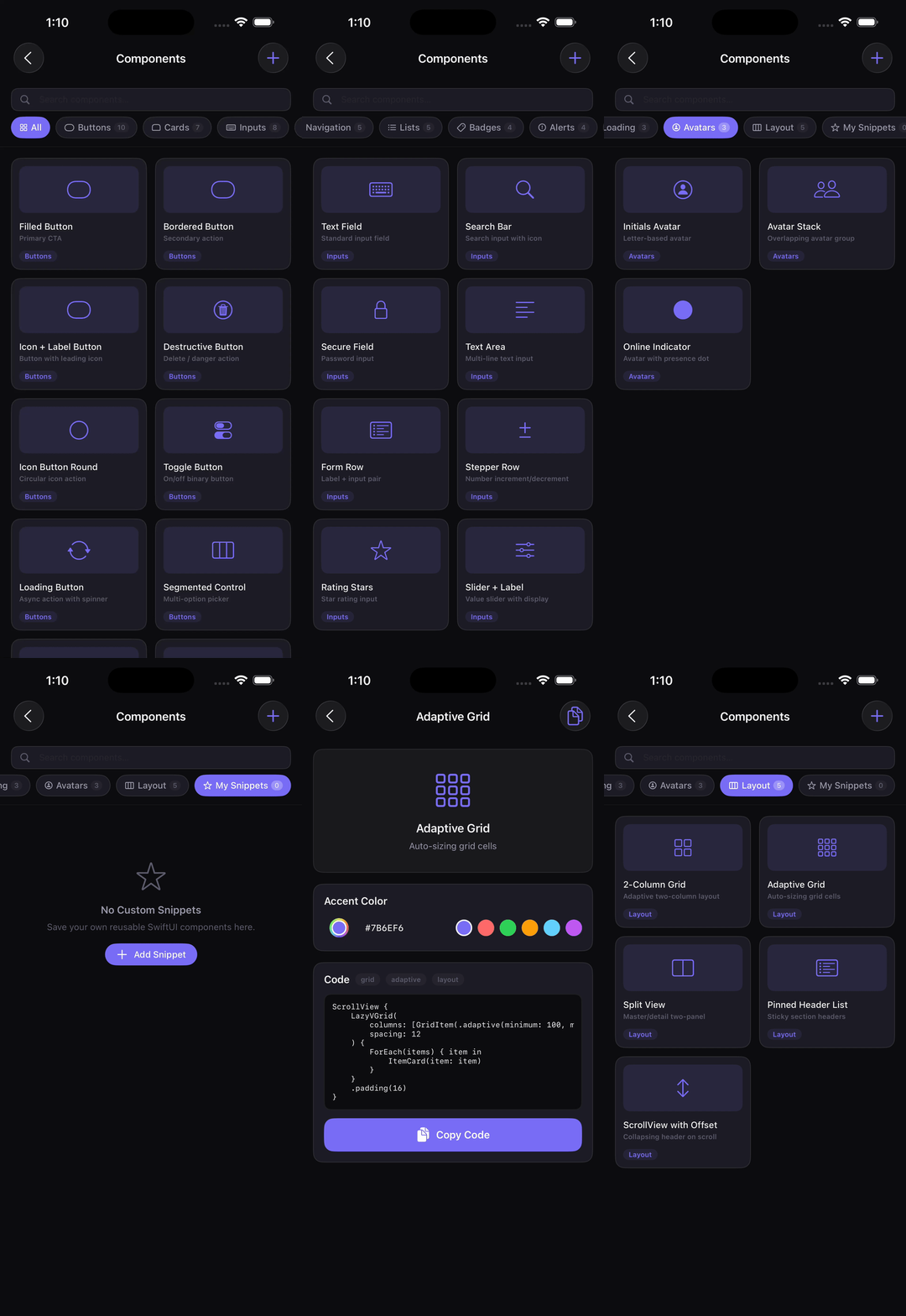
Component Snippets
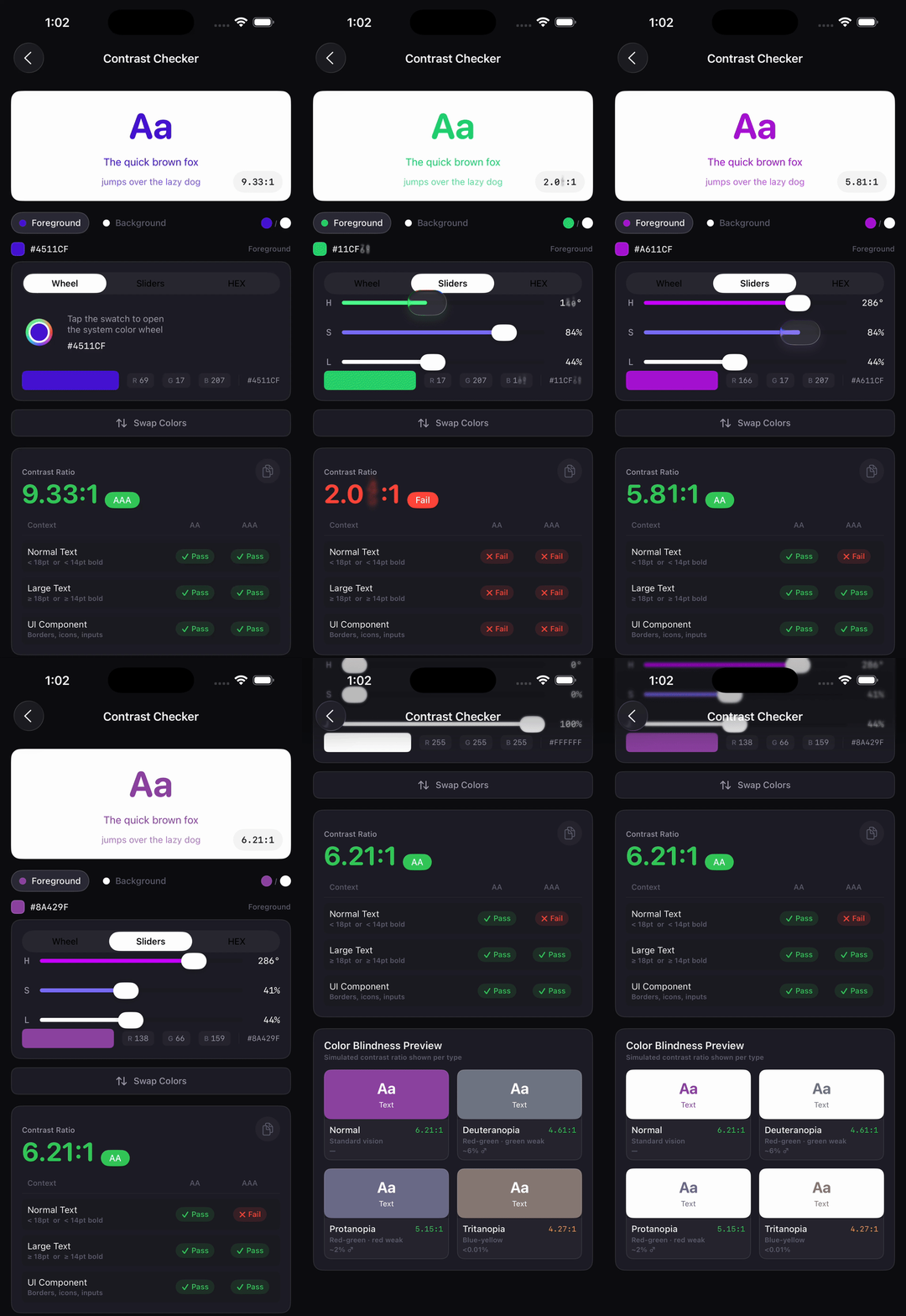
Contrast Checker
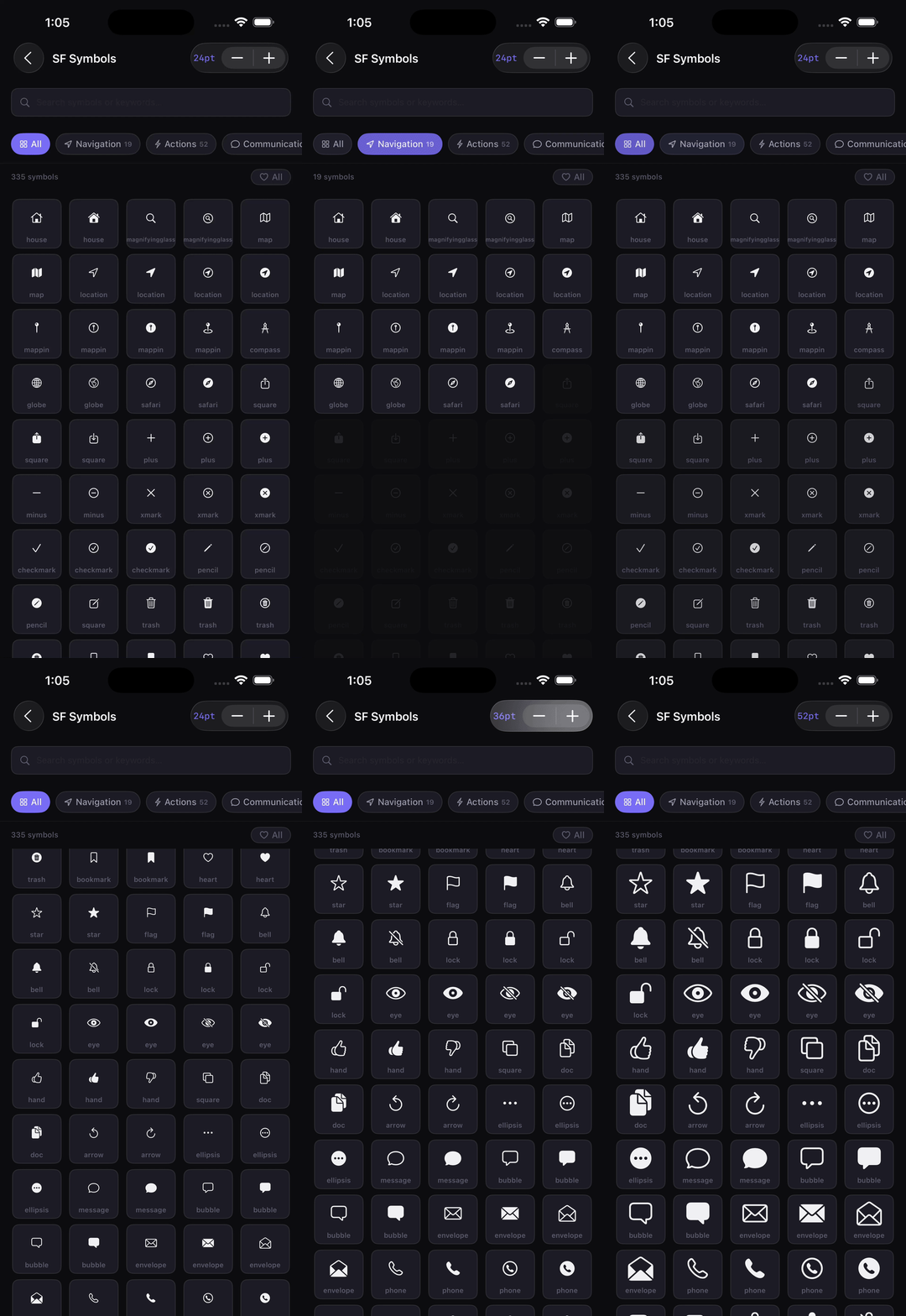
SF Symbols
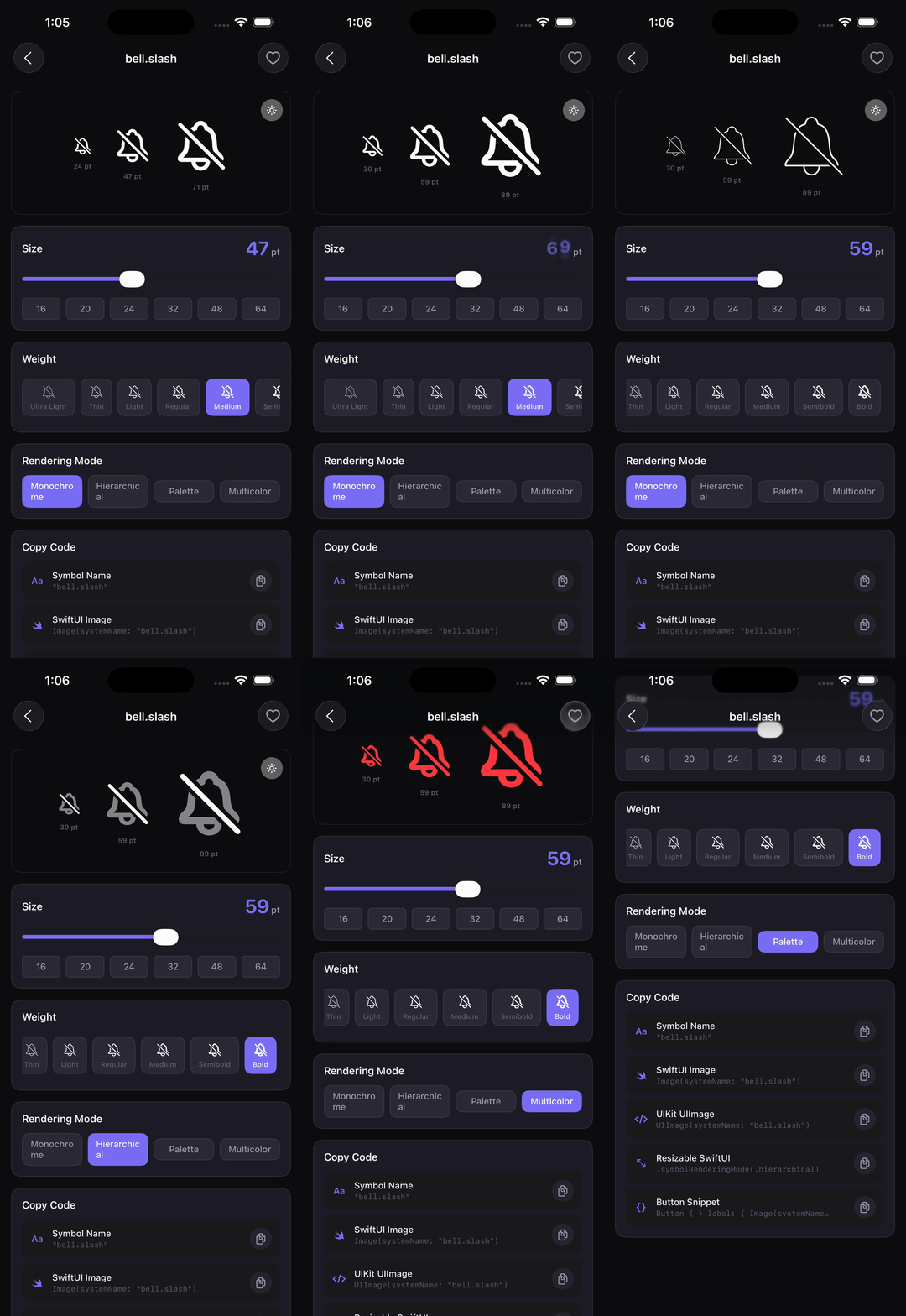
SF Symbol Detail
54 SwiftUI snippets across 10 categories
WCAG AA & AAA compliance with suggested fixes
Search and filter SF Symbols
Copy-as-SwiftUI symbol detail view
Layout & Spacing
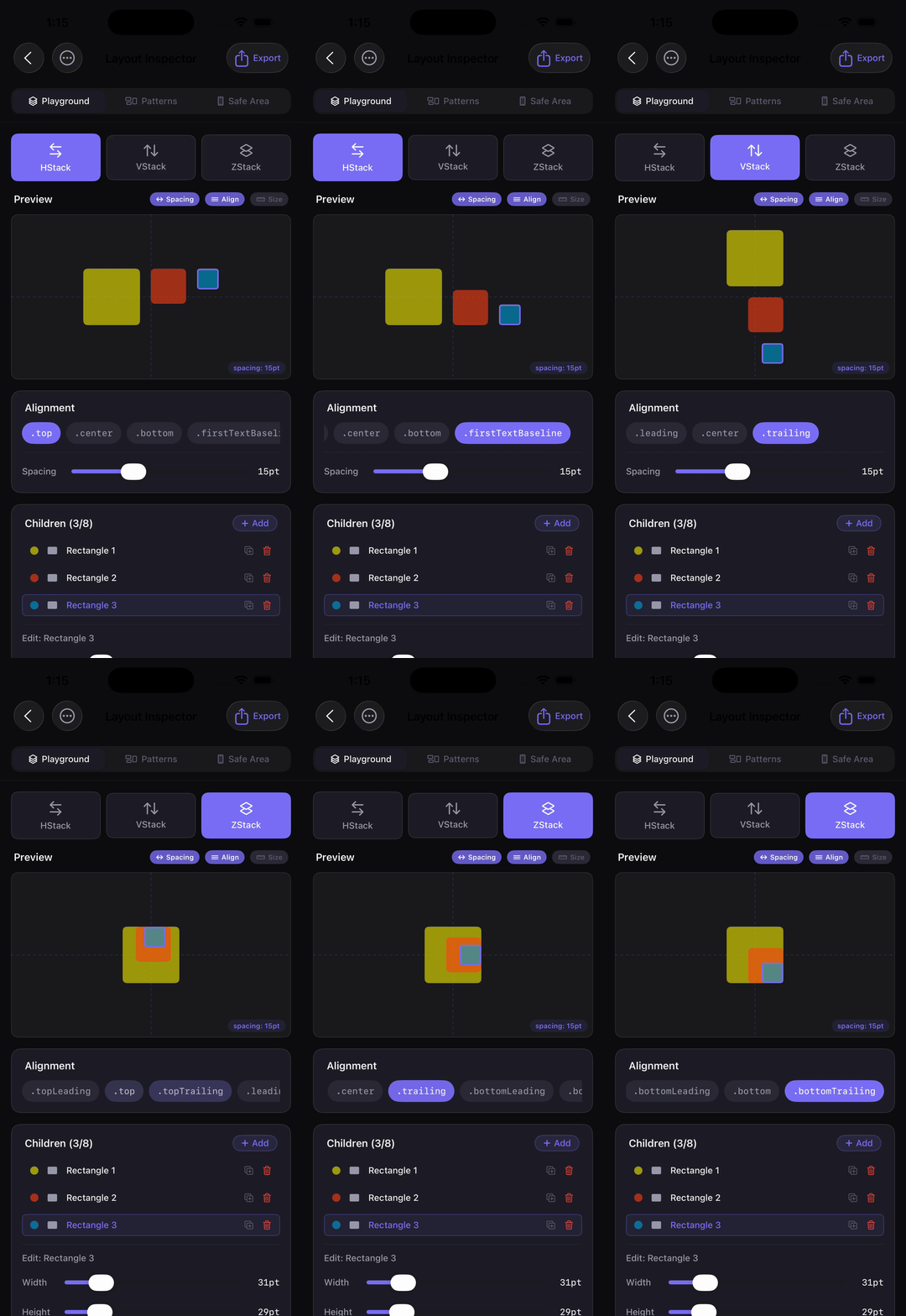
Layout Inspector
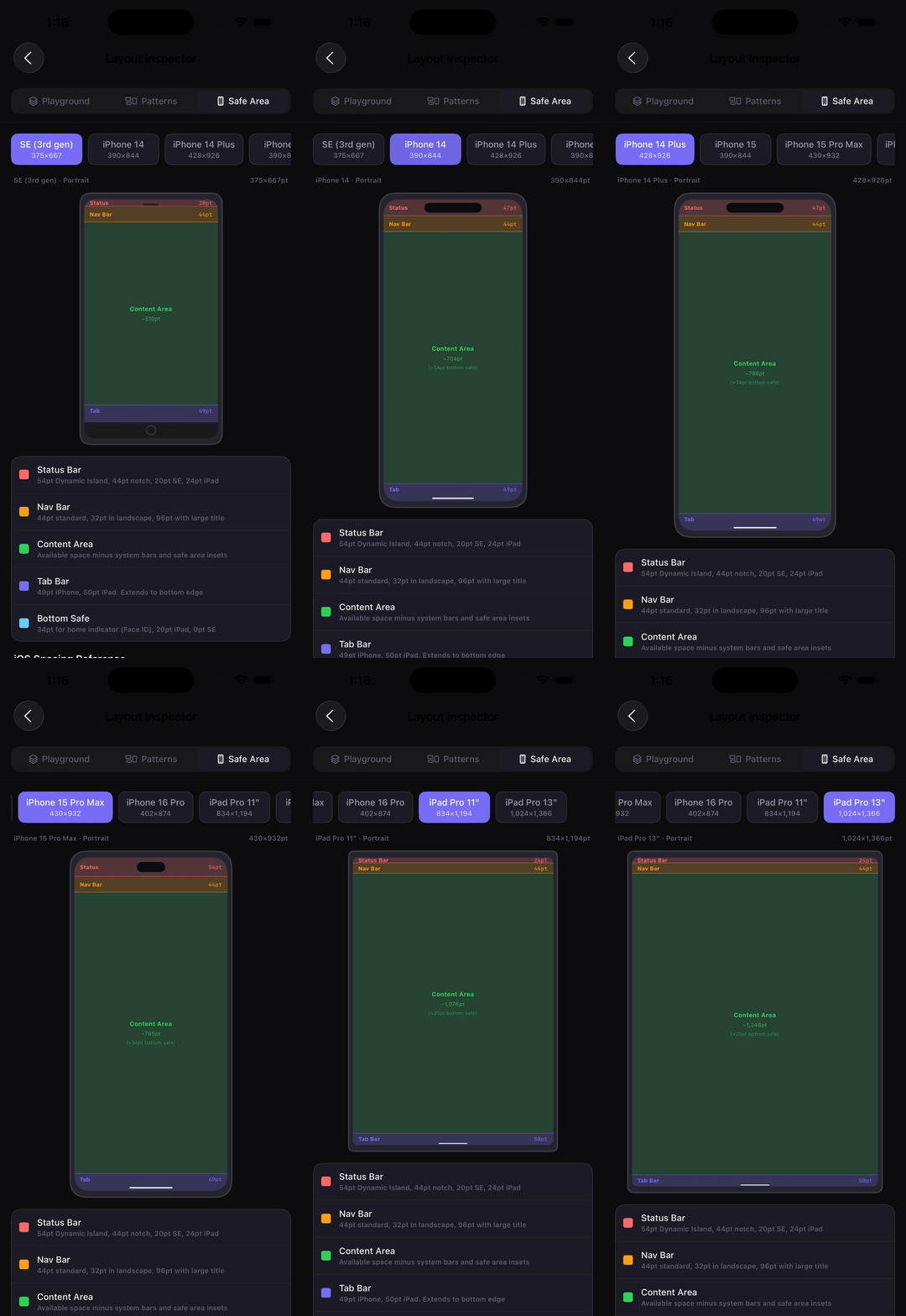
Safe Area
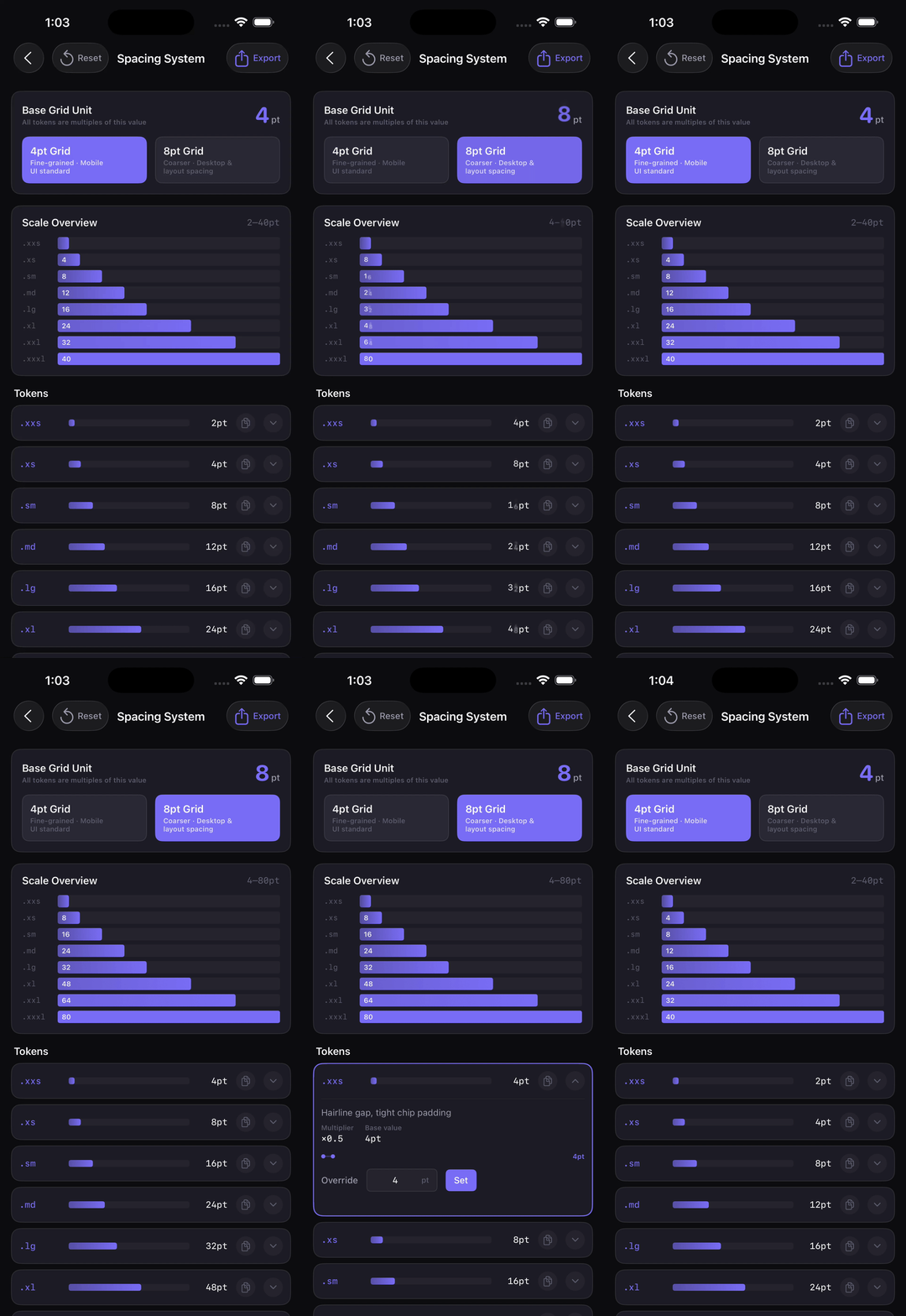
Spacing System
Padding playground with device presets
Safe area visualization
4pt grid visualizer with comparison tool
Animations & Effects
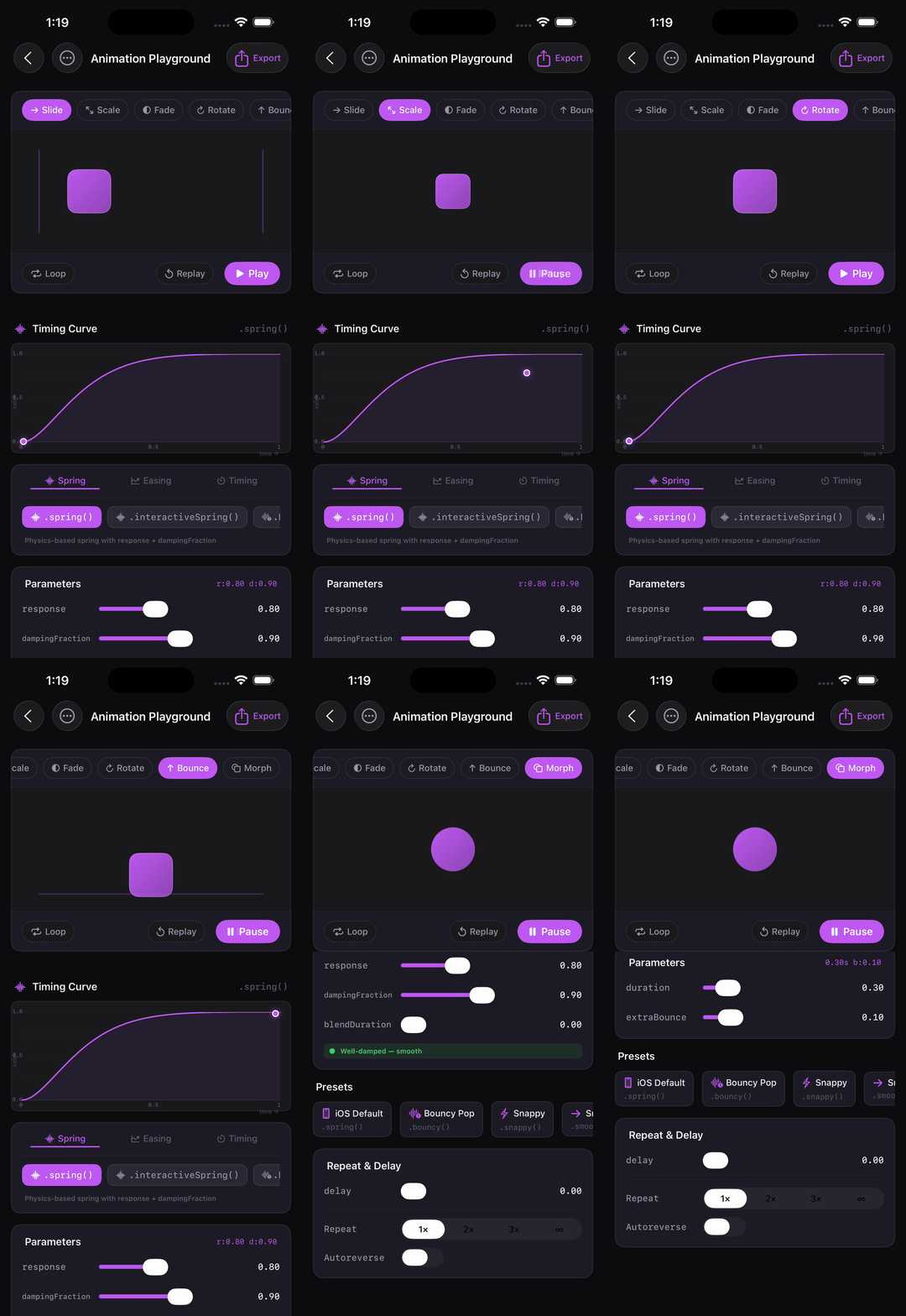
Animation Playground
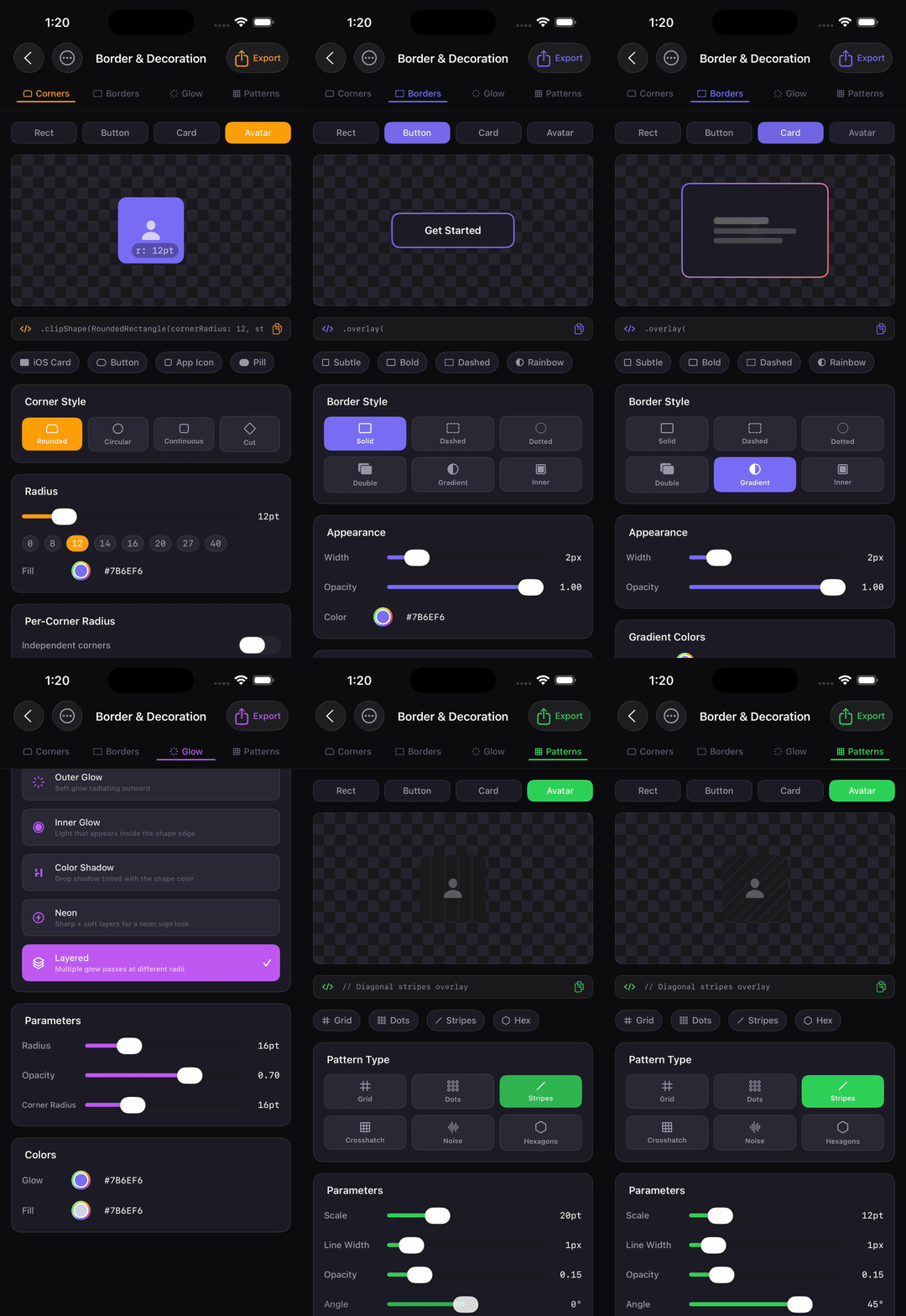
Border & Decoration
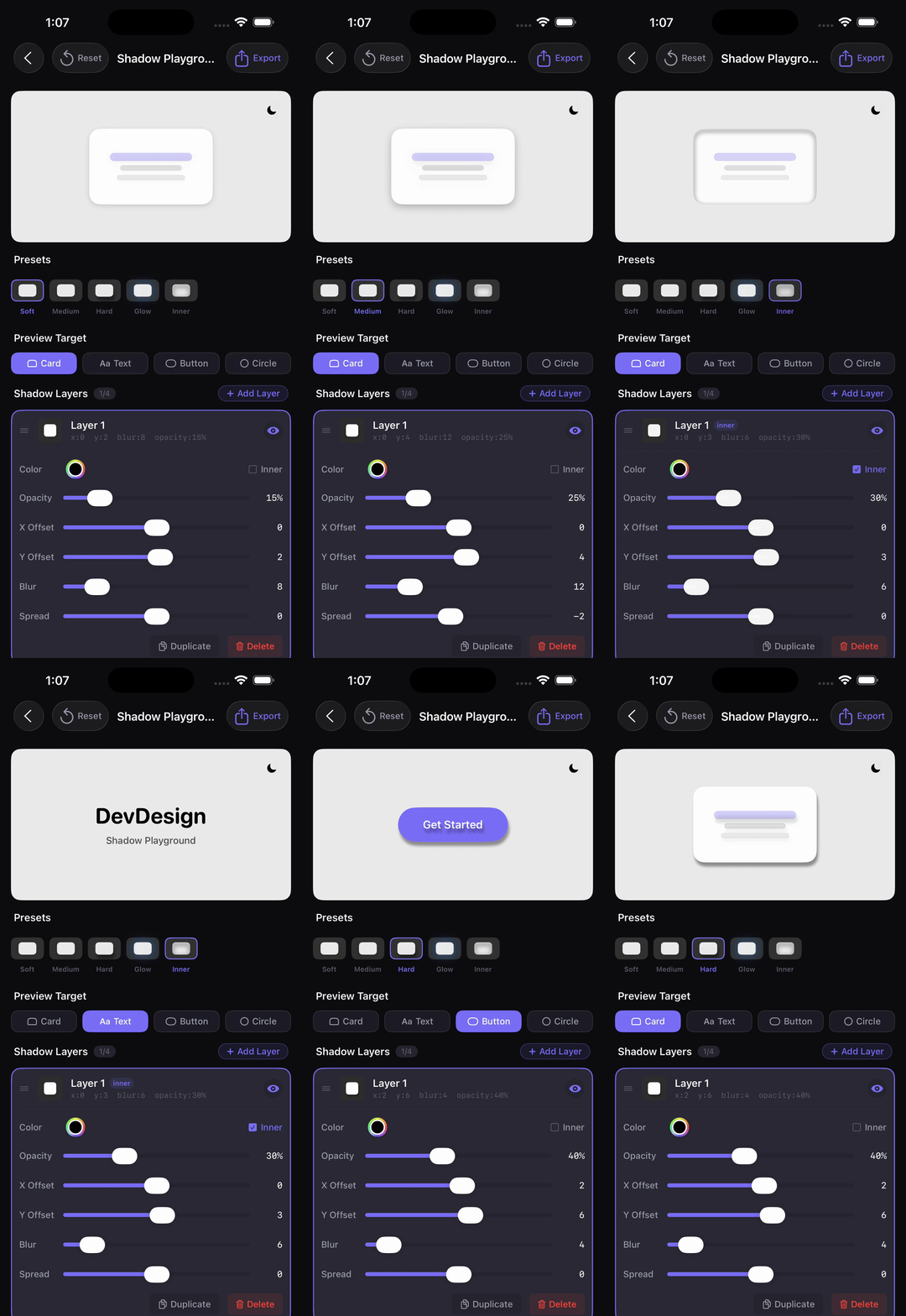
Shadow Playground
Spring & easing curve builder with 6 preview targets
Corners, borders, glows, and overlay patterns
Multi-layer shadow builder with code export
Symbol Animation
Metal Symbols
Symbol Effects
GIF coming soon
GIF coming soon
Metal shaders (shimmer, gradient flow, noise, liquid metal) applied to SF Symbols
Apple's native .symbolEffect animations with copyable SwiftUI output
Customisation
Alternate App Icons
GIF coming soon
8 bundled icon variants switchable from inside the app
Features
Color Tools
Palette Generator — complementary, triadic, analogous, split-complementary, and tetradic harmonies
Color Picker — HEX / RGB / HSB values with SwiftUI code export
Contrast Checker — WCAG AA & AAA compliance with suggested passing colors
Saved Palettes — persisted via SwiftData with CloudKit sync
Typography & Spacing
Type Scale Generator — 8 modular-scale ratio presets
Font Pairing — Google Fonts and system fonts combined with live preview
Spacing System — 4pt grid visualizer with a comparison tool
SF Symbols Browser — search, category filter, and copy-as-SwiftUI
Components & Layout
Shadow Playground — multi-layer shadow builder with code export
Gradient Builder — linear and radial gradient editor
Component Snippets — 54 SwiftUI snippets across 10 categories with {{ACCENT}} token substitution
Layout Inspector — safe area, padding playground, and device presets
Assets & Motion
App Icon Generator — all 14 iOS sizes, Contents.json, and PNG export
Animation Playground — spring & easing curve builder with 6 live preview targets
Metal Symbols — shimmer, gradient flow, noise, and liquid-metal [[stitchable]] Metal
shaders applied to SF Symbols via .colorEffect / .distortionEffect
Symbol Effects — Apple's native .symbolEffect animations (bounce, pulse, variable
color, wiggle, breathe, rotate) with copyable SwiftUI output
Border & Decoration — corners, borders, glows, and overlay patterns
Design Token Exporter — Swift enum, W3C JSON, and CSS custom properties
AI Palette
Text-prompt palette generation via Claude (Sonnet 4.5), Gemini (2.5 Flash), or OpenRouter (free Llama 3.3 70B)
OpenRouter is the default — users generate immediately with no setup
Structured JSON schema with name, mood, roles, and usage hints per color
Prompt suggestion library (25 suggestions across 5 categories) and prompt history with palette snapshots
Staggered spring color-reveal animation; save directly to Saved Palettes
Metal — [[stitchable]] functions via SwiftUI ShaderLibrary
Networking
URLSession (AI Palette, Google Fonts)
AI Providers
Anthropic (Claude), Google Gemini, OpenRouter
Font Loading
CoreText, actor-based loader with request coalescing
Image Export
ImageRenderer for app icons and shareable assets
Dependencies
None — zero SPM packages
Min iOS
17.0
Device
iPhone (runs on iPad, not yet optimised)
Architecture
DevDesign follows MVVM with strict feature isolation — every feature owns its own View,
ViewModel, and tests folder under Features/. There is no shared mega-ViewModel and no tab
bar; a single dashboard grid in ContentView routes to each feature.