



Cross-platform app that automates login to VIT hostel WiFi networks.


Latch is a Kotlin application developed by VinnovateIT that automates the login process for VIT hostel WiFi networks. It detects network connections, submits credentials automatically, and optionally logs network statistics. The app reduces repetitive manual logins for students.
- Automatic detection of VIT hostel WiFi networks
- Auto-login with securely stored credentials
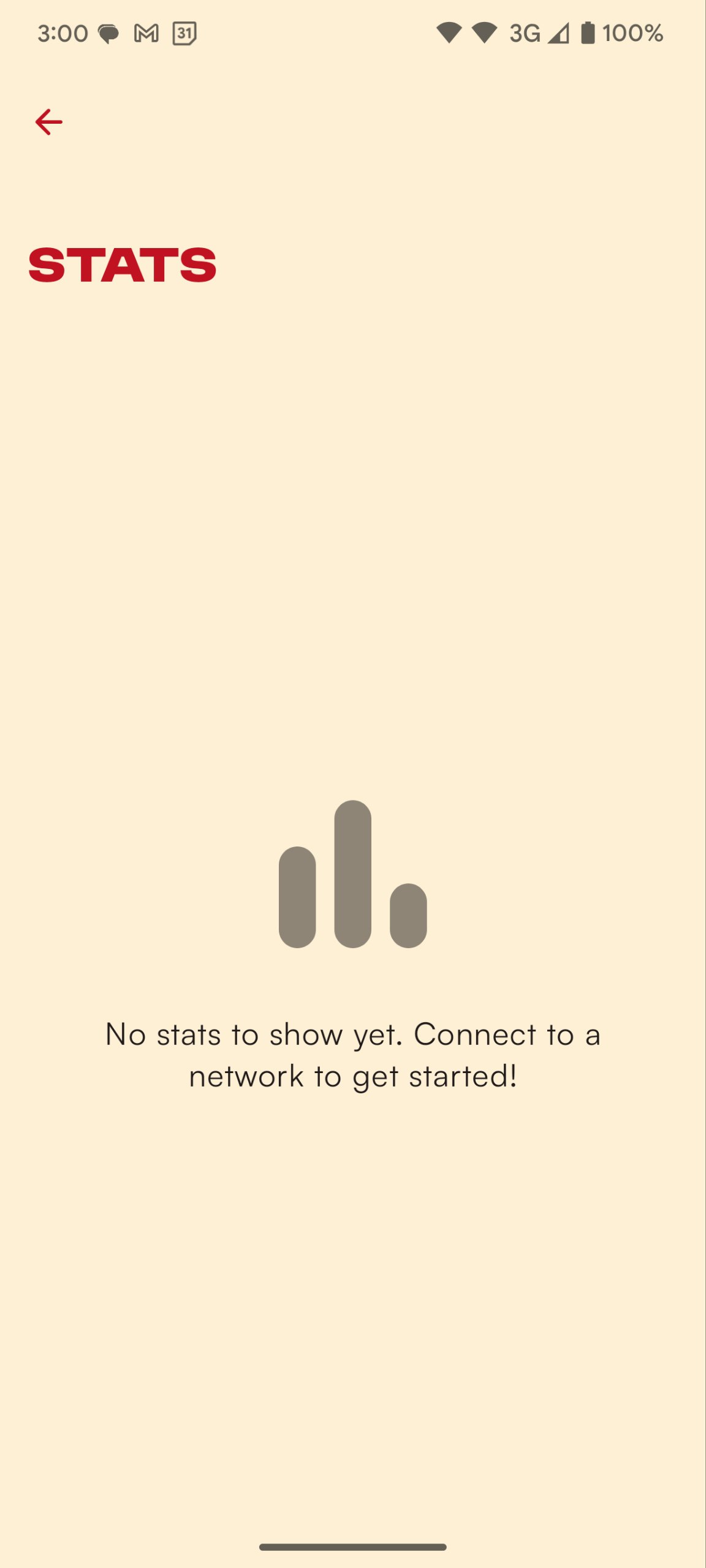
- Logging and display of network usage statistics
- Standalone CLI for Linux terminals and Windows PowerShell
Before you start, make sure you have:
- Android Studio
- Kotlin (latest stable version)
- JDK 21
- Android device or emulator running Android 8.0 (API 26) or higher
- Download
Latch-Setup.msifrom the latest release - Run the installer and follow the setup wizard
- Launch Latch from the Start menu and enter your VIT hostel credentials
-
Run the install script:
curl -fsSL https://latch.vinnovateit.com/install.sh | shThis installs Latch to
/opt/latch(system-wide, if run withsudoaccess) or~/.local/share/latch(user-local otherwise), and registers a desktop entry. -
Launch Latch from your application menu, or run
latchin a terminal.To install manually instead, download
latch-1.3.8-linux-x64.tar.gzfrom the latest release and extract it.
latch-cli is a standalone application with its own trimmed Java runtime; Java does not need to be installed separately.
On Debian or Ubuntu, download the .deb from the latest release, then run:
sudo apt install ./latch-cli_1.3.8_amd64.debRPM-based distributions can install the release package with sudo dnf install ./latch-cli-*.rpm. Arch users can install the latch-cli-bin AUR package after its release metadata is submitted. The portable latch-cli-1.3.8-linux-x64.tar.gz works without package-manager installation.
A hosted APT repository can be added later; the initial .deb is installed directly with apt. Flatpak is intentionally outside the CLI release scope because its sandbox and desktop-first distribution model do not fit a host-network command-line daemon.
On Windows, install VinnovateIT.LatchCLI with winget after its manifest is accepted, or download and extract latch-cli-1.3.8-windows-x64.zip. The executable works directly from PowerShell:
.\latch-cli.exe --statusRun latch-cli with no arguments the first time. It prompts for your VIT credentials, starts the auto-login daemon in the background, and enables per-user startup at login. On later runs, latch-cli prints its help menu.
Use activate and deactivate to control the background daemon on Linux or from PowerShell on Windows:
latch-cli activate
latch-cli deactivate
activate is idempotent and enables startup at login. deactivate stops a CLI-owned daemon and disables its login startup entry; it does not terminate a running desktop app. Common one-shot commands are:
latch-cli --set-credentials
latch-cli --status
latch-cli --login
latch-cli --logout
latch-cli --history
latch-cli --settings
latch-cli --settings set auto-login on
latch-cli --settings set allowed-ssids "VIT2.4G,VIT5G"
Desktop and CLI installations can coexist. They coordinate through an authenticated local connection so only one networking engine is active, and opening Desktop takes ownership from a running CLI daemon.
No pre-built APK is currently published for the Android app. To use it today, build it from source. See Dev setup below.
-
Clone the repository:
git clone https://github.com/vinnovateit/latch.git
-
Open the project in Android Studio
-
Sync Gradle and build the project.
The app targets
compileSdk 37. If Android Studio's SDK Manager doesn't already have Android SDK Platform 37 installed, the first sync will prompt you to download it and accept its license. -
Run on a connected device or emulator
-
Enter your VIT hostel credentials when prompted
-
Clone the repository (if not already done above)
-
Run it directly:
./gradlew :desktop:run
-
Or build a native package for your OS:
./gradlew :desktop:packageReleaseDeb          # .deb
./gradlew :desktop:packageReleaseRpm          # .rpm
./gradlew :desktop:packageReleaseAppImage     # AppImage
./gradlew :desktop:packageReleaseTarGz        # .tar.gz (Linux)
Build artifacts land in
desktop/build/distributions/. -
To test a locally-built (or otherwise custom) tarball without publishing a release, point
install.shat it directly instead of letting it download from GitHub:LATCH_LOCAL_TAR=desktop/build/distributions/latch-1.3.8-linux-x64.tar.gz sh install.sh
This module is built as part of the same Gradle project as
:app, so the Android SDK still needs to be configured (see the Android app prerequisites above) even though the desktop app itself doesn't run on Android.
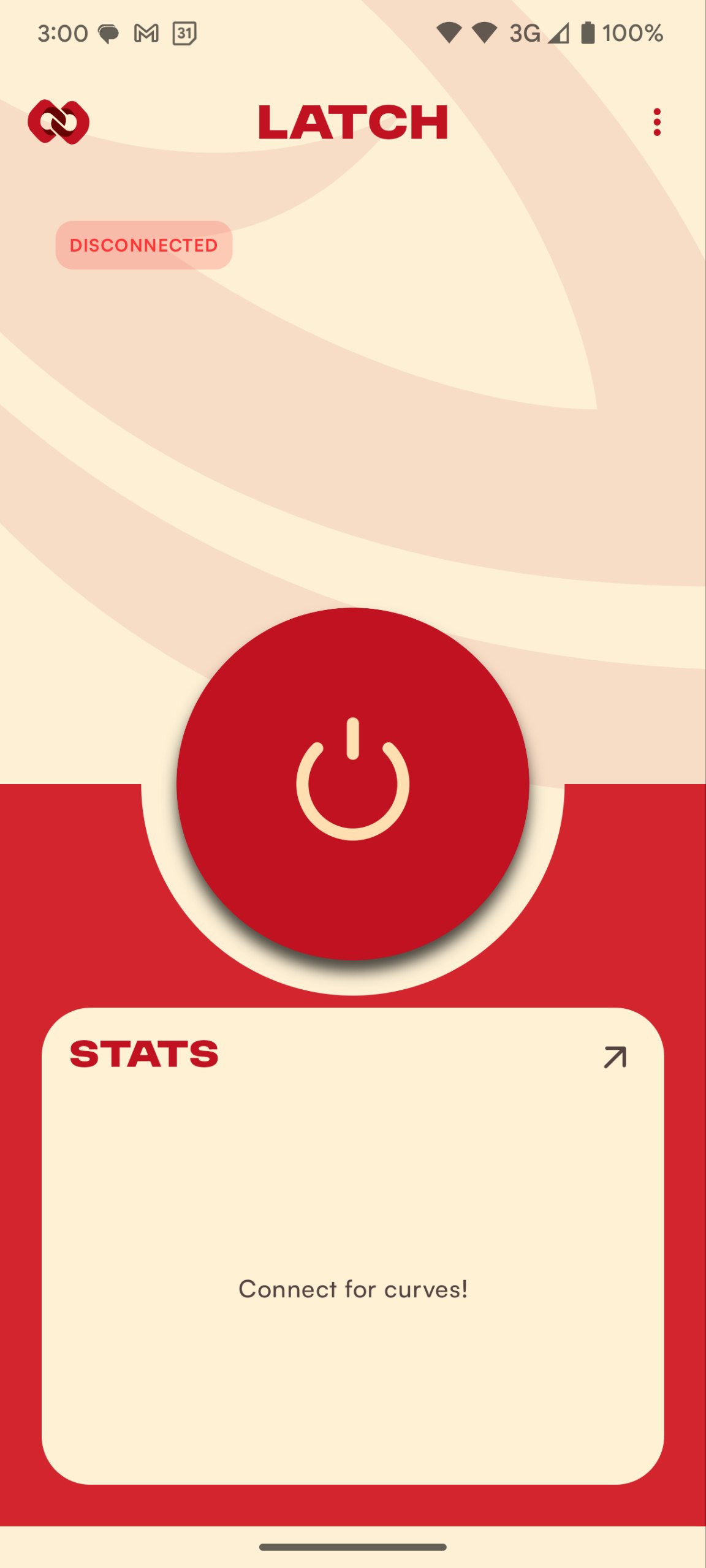
Latch automatically detects VIT hostel WiFi networks and logs in using the credentials you provide.
Optionally, it records network statistics for monitoring purposes.
| Landing screen | Home screen |
|---|---|
 |
 |
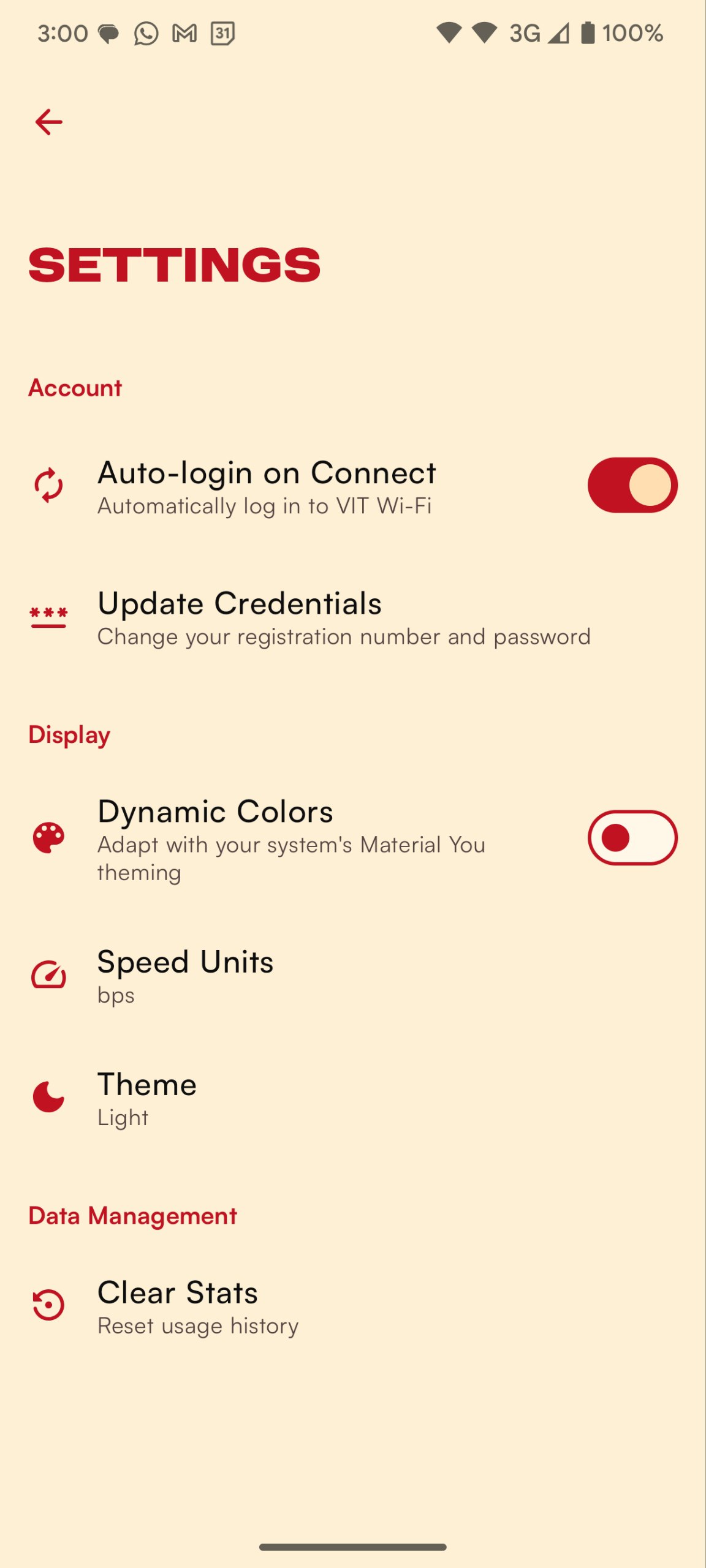
| Stats | Settings |
|---|---|
 |
 |
- Add support for multiple VIT campuses
- Improve UI responsiveness
- Publish the generated CLI manifests to additional package repositories
See the open issues for a full list of proposed features and known issues.
Made with love by VinnovateIT.